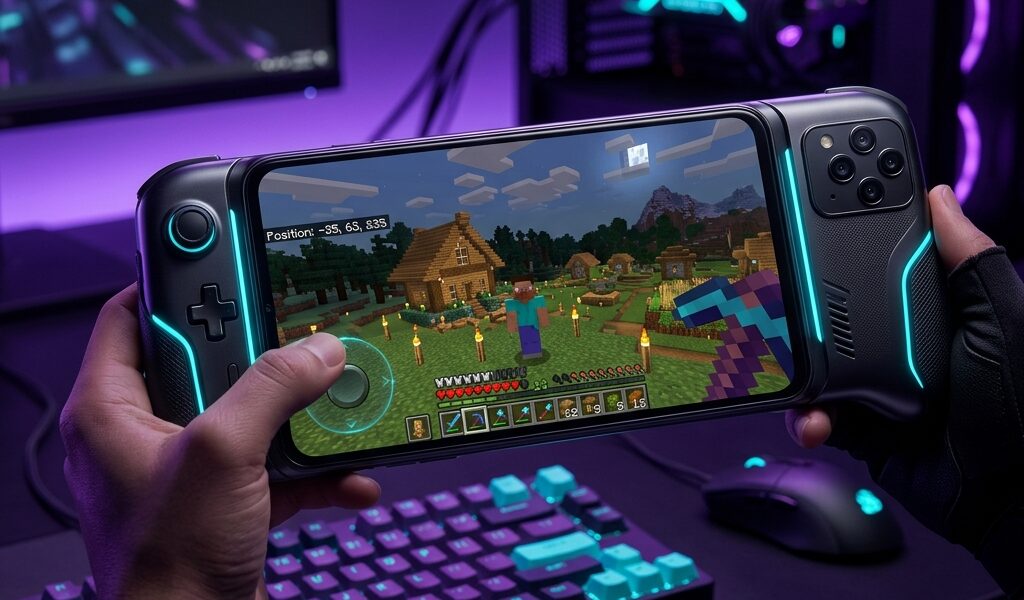

There is a massive divide in the Minecraft community. You either play Bedrock Edition with its microtransactions and limited modding, or you own a PC for the true Java Edition experience. But what if you don’t have a gaming rig? A Reddit user recently posted, “I finally logged into Hypixel from my phone, and my mind is blown.” That is the magic of PojavLauncher.
Instead of playing a watered-down mobile port, PojavLauncher runs the full, original Minecraft Java Edition right on your Android device. You get access to every PC server, every massive modpack, and every snapshot update the day it drops. However, bringing a heavy PC game to mobile hardware comes with a brutal reality check. Setting it up can be a nightmare of black screens and crashes if you don’t know what you are doing.
Device Requirements: Can Your Phone Handle It?
Let’s be brutally honest—PojavLauncher is not a lightweight app. It acts as an emulator, translating complex Java commands for your mobile processor. If you are running an old budget phone, you are going to stare at a crash report.
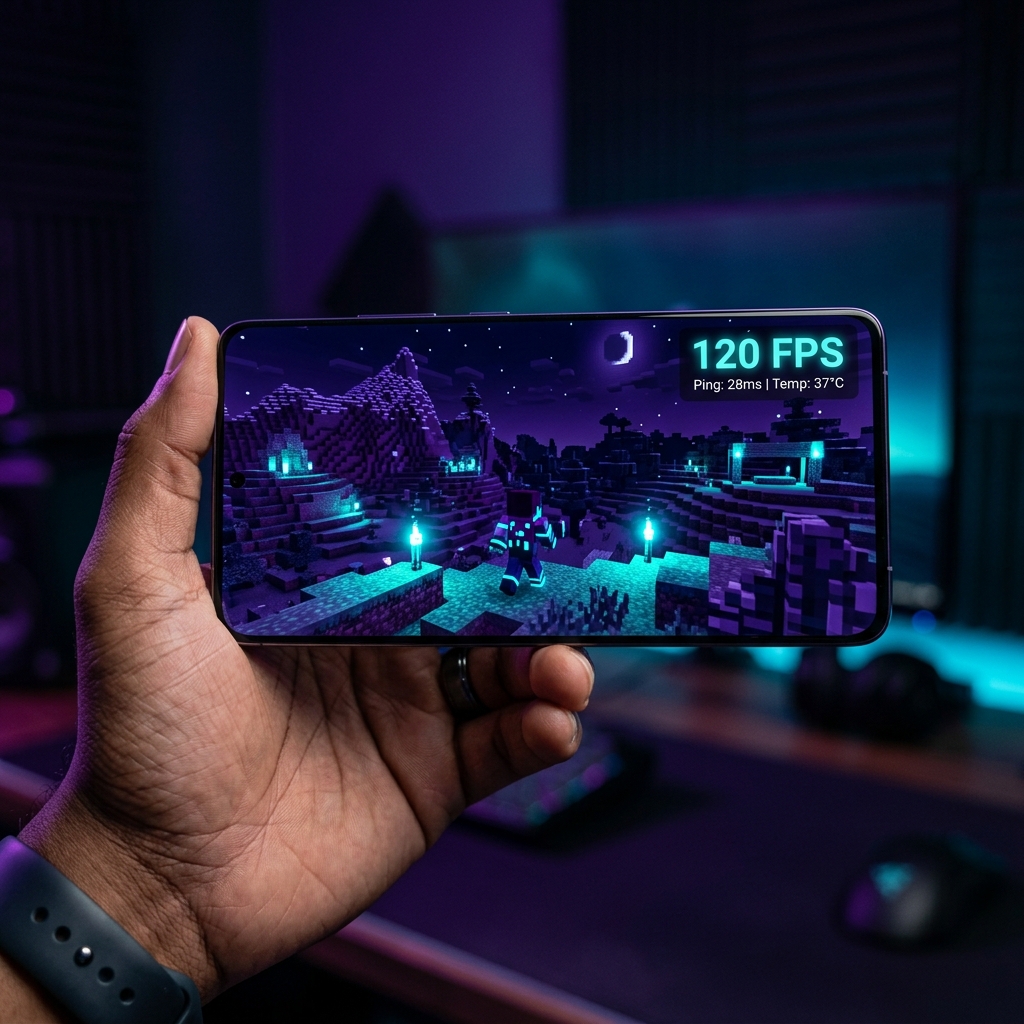
For a playable experience, you need at least a mid-range device. We tested this on popular Thai smartphones like the Samsung Galaxy A54, OPPO A78, and Vivo Y36. To get a stable 40-60 FPS on these phones, 4GB of RAM is the absolute bare minimum, but 6GB to 8GB is highly recommended. Your processor should be a Snapdragon 680 or equivalent. Anything lower will struggle the moment you load into a complex survival world.
The Ultimate Setup Guide (How to Avoid Crashes)
The number one reason players quit PojavLauncher on day one is the dreaded “Out of Memory” crash. When you first install the APK, the default settings are rarely optimized for your specific hardware. The trick lies entirely in the Memory Allocation settings.
Never give the launcher too much RAM. A common mistake is allocating 6GB on an 8GB phone, which starves the Android OS and forces it to kill the game. The golden rule is to allocate exactly 50% of your total device RAM. If you have a 6GB phone, set the slider to 3000MB. Secondly, lower the in-game resolution to 80% or 75% in the launcher settings. This single tweak dramatically reduces the strain on your GPU without making the game look terrible.
How to Install Mods (Sodium & OptiFine) to Fix Lag
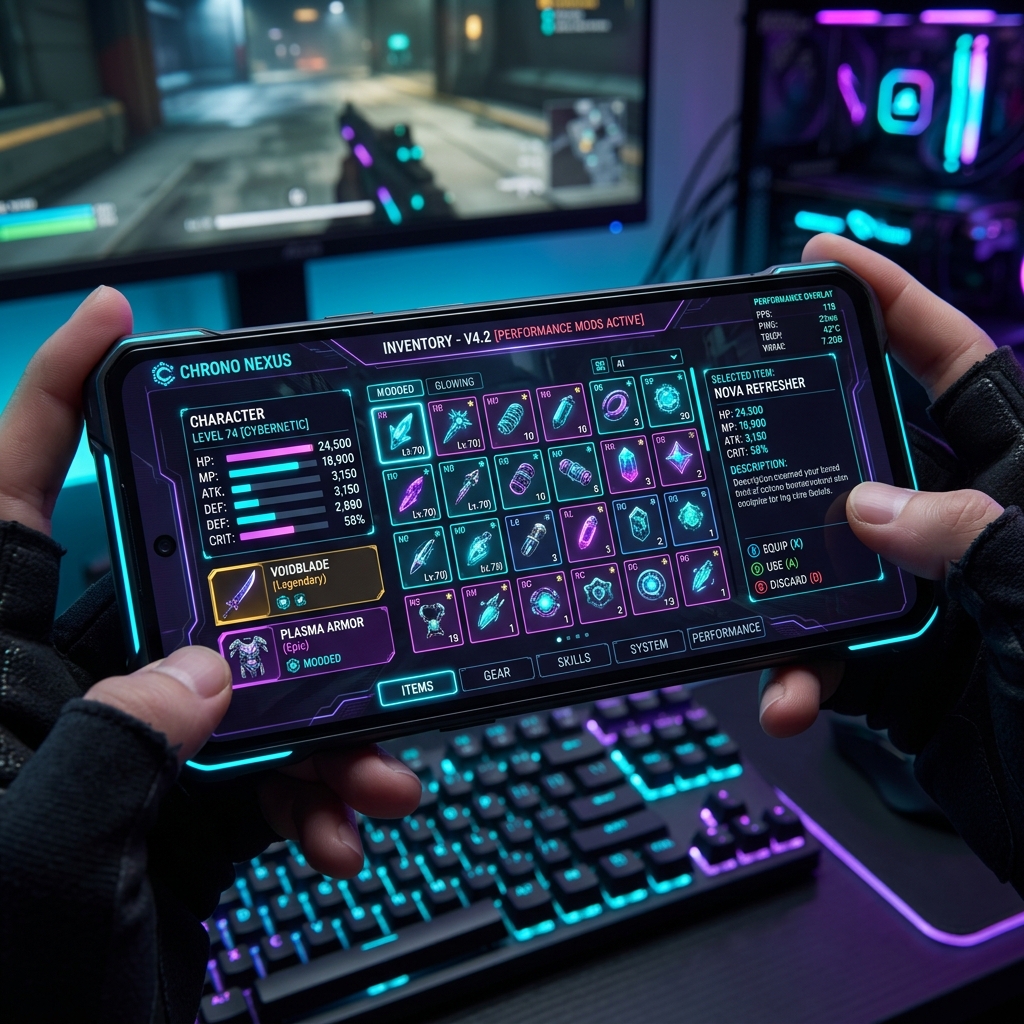
If you are playing newer versions like 1.20, vanilla Minecraft Java is poorly optimized even on PC. On a phone, it is a stuttering mess. You absolutely must install performance mods. Unlike the locked-down Bedrock Edition, PojavLauncher gives you full access to the hidden .minecraft folder on your Android storage.
We highly recommend installing the Fabric loader and adding the Sodium mod. Simply download the Fabric installer, run it through the launcher’s “Execute a .jar” feature, and then use your file manager to drop the Sodium file into the Android/data/net.kdt.pojavlaunch/files/.minecraft/mods directory. If you prefer Forge, OptiFine works the same way. These mods will literally double your frame rate on devices like the Vivo Y36.
Customizing Touch Controls for Combat
Minecraft Java was designed for a keyboard and mouse. Translating that to a touch screen is awkward. The default layout provided by PojavLauncher is okay for slow-paced building, but terrible for PvP scenarios like Bedwars.
Thankfully, the app features a completely custom control mapper. You can create dedicated buttons for sprinting, crouching, and inventory management. A pro tip from the community is to add a specific “Left Click” button right next to your camera joystick for faster hitting. You can even download pre-made control layouts from the community Discord and import them directly.
FAQ
How much RAM is needed for PojavLauncher?
You need a minimum of 4GB of total system RAM, allocating around 1500MB to 2000MB to the app. 6GB or 8GB devices provide a much smoother experience.
Is PojavLauncher illegal?
No, the launcher itself is completely legal and open-source. However, you must log in with a paid, official Microsoft/Mojang account to play the game legally.
Can I play on PC servers?
Yes. Since it runs the true Java Edition, you can connect to any Java server like Hypixel, provided your account is premium.
Final Verdict
PojavLauncher is an incredible technical achievement. It breaks down the walls between PC and mobile gaming, giving you the untethered freedom of Java Edition in your pocket. The setup requires patience, file management skills, and a decent mid-range phone. But once you optimize the RAM and install Sodium, the payoff is absolutely worth it.
Pros & Consข้อดี & ข้อเสีย
How to Download (Safe Guide)วิธีดาวน์โหลด (คู่มือปลอดภัย)
PojavLauncher is available on the following platforms. Follow our safe download guide for each store.PojavLauncher พร้อมให้บริการบนแพลตฟอร์มต่อไปนี้ ทำตามคู่มือดาวน์โหลดอย่างปลอดภัยสำหรับแต่ละร้านค้า