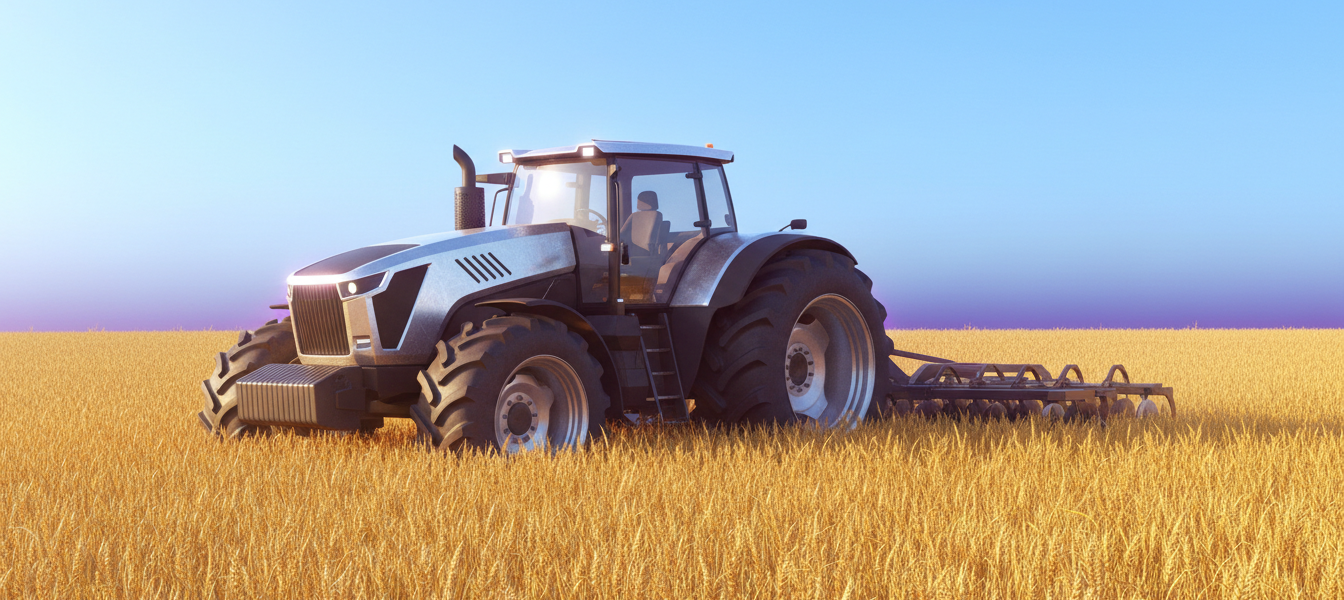
If every other game on this list feels a little too casual, Farming Simulator 23 Mobile is the answer. It’s GIANTS Software’s mobile port of the acclaimed PC and console simulation series, and it’s the one game here built for players who want to actually operate a farm, not just decorate one.
This pick is featured in our 5 Best Offline Farming Simulation Games for Android roundup — see how it stacks up against the rest of the list.
Quick Verdict:
– Best for: players who want authentic machinery and real simulation depth, not a casual farm-decorating loop
– Skip if: you have an older or budget phone — performance is genuinely device-dependent
– Rating: 4.4/5 on Google Play (27,000+ reviews, 100,000+ downloads)
What is Farming Simulator 23 Mobile?
Farming Simulator 23 Mobile brings GIANTS Software’s flagship PC and console franchise to Android as a genuine single-player campaign — no social layer, no live economy, just you, your land, and over 100 authentic machines from real manufacturers including Case IH, CLAAS, DEUTZ-FAHR, Fendt, John Deere, KRONE, Massey Ferguson, New Holland, and Valtra.
Unlike the free-to-play games elsewhere on this list, FS23 Mobile is a paid app at $5.99, which changes its whole design philosophy: there’s no energy system, no ad interruptions, and no pressure to play in short timed bursts. You plow fields, plant and harvest crops, run cattle and sheep operations, tend chickens, cultivate grapes and olives, and even run forestry equipment across two maps — all at your own pace. Games like Family Farm Adventure lean the opposite direction, wrapping similar farm-and-explore content in an energy-gated pace instead.
It’s rated 4.4 stars from over 27,000 reviews, and Google Play itself tags the app with the “Offline” category label — a genuine confirmation, not our interpretation, that this is built for solo, connection-free play.
Gameplay & Core Mechanics
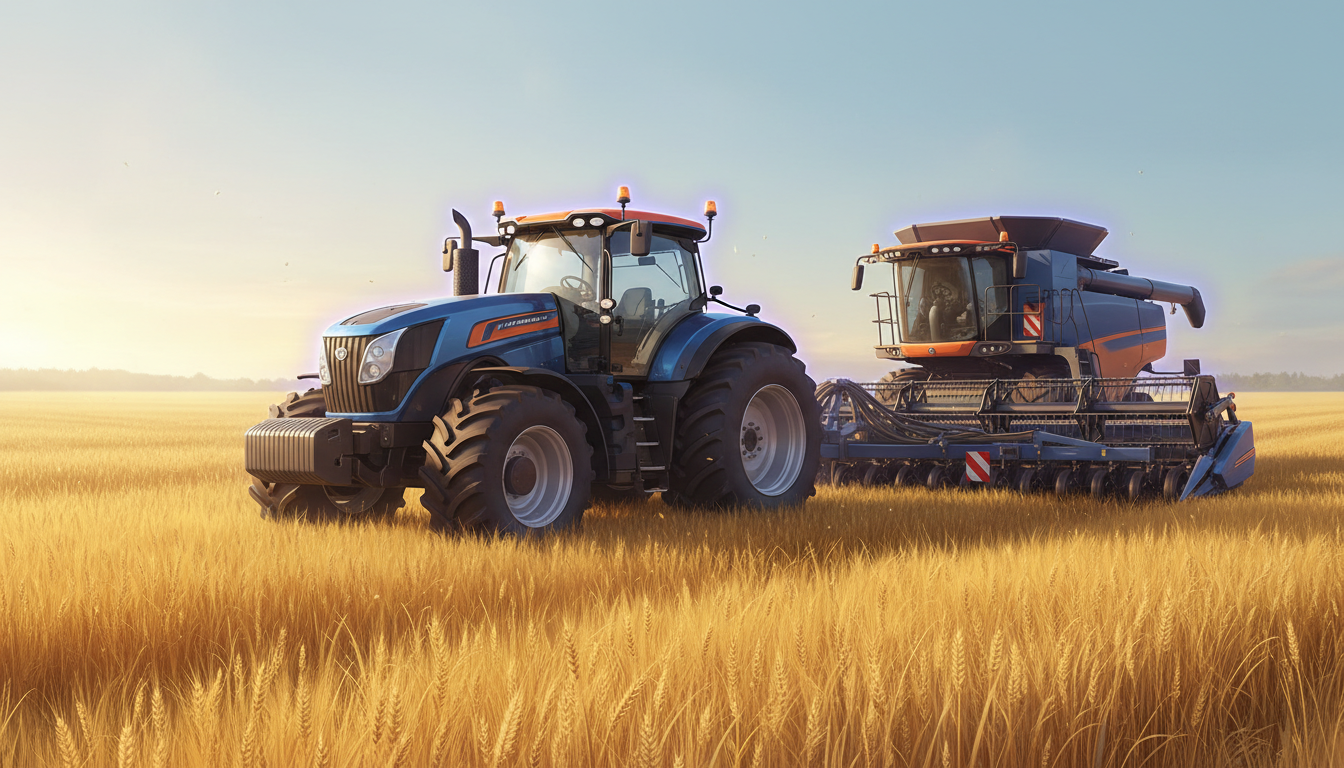
The core loop is straightforward on paper — plow, plant, fertilize, harvest, sell — but the depth is in how authentically each step is simulated. You’re actually driving real tractors and combines with realistic handling, managing production chains that turn raw crops into higher-value goods, and dealing with genuine agricultural mechanics like weeding and seasonal changes. A Reddit reviewer summarized the appeal on r/farmingsimulator: the game brings “New AI system, Graphics Improved from FS 20, New Production Chain Features” at “a good inexpensive price for the base game.”
The most serious real-world issue, and one worth being upfront about, was a wave of freeze and crash bugs at launch in 2023. Richard Weber’s 279-liked review from that period is blunt: “the game freezes constantly… you start right back at the beginning.” The good news is multiple reviewers confirm this has genuinely improved since — Justin Marcum, in a review updated a year after his initial complaint, wrote: “since a patch sometime last year, the game has ran perfectly, on multiple devices.” Stability isn’t perfect for everyone even now, but it’s clearly trending better than it was.
The other consistent gripe is that despite paying $5.99 upfront, some of the higher-tier equipment is locked behind additional in-app purchases ranging $0.99–$3.49 — a double-dip that several reviewers, fairly, find frustrating for a paid title. AI field helpers also draw criticism for unreliability, with multiple reviews describing them getting stuck, failing to find fields, or simply stopping mid-task.
100+ Authentic Machines: How Deep Does the Simulation Go?
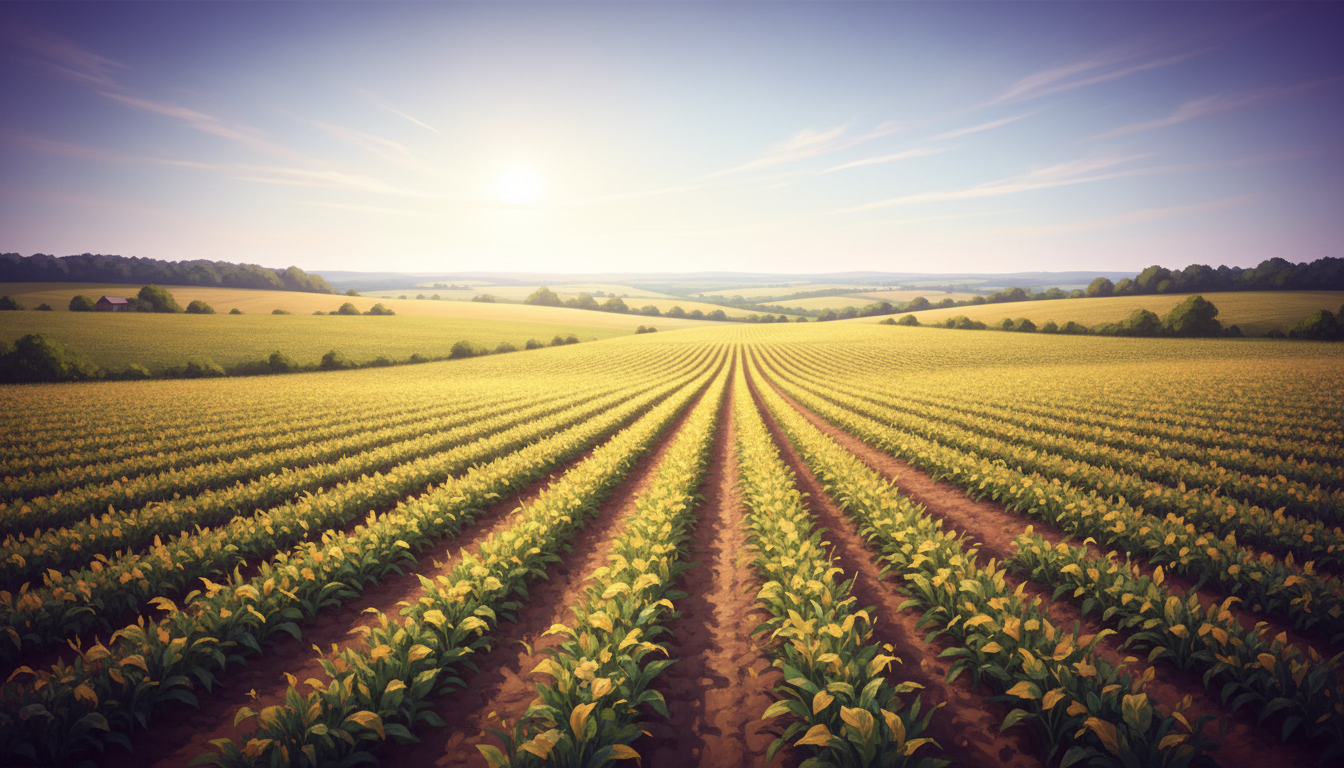
This is genuinely the differentiator that separates FS23 Mobile from every other game on this list. Where the other four picks simplify farming into tap-to-harvest loops, FS23 Mobile makes you actually drive and operate equipment — steering combines through fields, managing implement attachments, hauling trailers, and running full production chains from raw crop to sellable good. The roster spans real manufacturer brands, and the series’ reputation for authenticity (built over a decade of PC and console releases) carries through to mobile in a way few competitors attempt. Where Harvest Town swaps in a sleep-based stamina system for pacing, FS23 Mobile skips resource meters entirely and lets you play at your own rhythm.
That authenticity comes with a real cost, and it’s not just the $5.99 price tag. A Reddit commenter’s blunt assessment is worth repeating verbatim because it’s the single most useful piece of practical advice we found: “23 is great but chances are it’ll make your phone lag.” This isn’t universal — plenty of reviewers report smooth performance — but it’s genuinely device-dependent in a way the lighter, more casual games on this list aren’t. If you’re on a budget or older Android phone, this is the pick most likely to disappoint on performance specifically, even though the content itself is the strongest on the list.
Worth noting for context: GIANTS Software released a newer entry, Farming Simulator 26 Mobile, which currently sits at just 3.3 stars — noticeably lower than FS23. A Reddit thread titled “How did they get this so wrong? (FS26 first impressions)” uses FS23 explicitly as the high bar FS26 failed to clear, which is a strong, community-verified signal that FS23 Mobile remains the series’ best-regarded mobile entry rather than being superseded by something newer and better.
Is Farming Simulator 23 Mobile Worth Playing in 2026?
Yes, if your phone can handle it and you actually want simulation depth rather than a casual farm-decorating game. This is the only entry on this list built around genuine machinery operation and production chains rather than tap-and-wait mechanics, and the Farming Simulator community itself — not just marketing copy — backs it up as the strongest mobile entry in the series, even years after a newer sequel released.
The two real caveats: performance is genuinely device-dependent, so if you’re on an older or budget phone, test carefully before committing (there’s no free trial, since this is a paid app); and even after the base purchase, some equipment sits behind further small purchases, which not everyone will find acceptable in a paid title. If those trade-offs are fine with you, this is easily the most substantial farming simulation on Android.
Tips for New Players
- Complete the tutorial fully before jumping into open play. The controls (steering, implement attachment, camera) are genuinely more complex than casual farm games, and the tutorial covers the AI helper and autoload features that save real time later.
- Check reviews for your specific device model before buying. Since this is a paid app, a quick search for your phone model plus “Farming Simulator 23” can save you from performance disappointment.
- Lower graphics settings first if you experience lag. Several reviewers confirm switching to Low resolves most stuttering, even on mid-range hardware.
- Don’t rely on AI helpers for complex fields early on. Multiple reviews confirm they struggle with irregular field shapes — manually driving matters more than the game initially suggests.
- Prioritize production chains over raw crop sales. Turning crops into processed goods consistently nets more profit than selling raw harvest, per multiple reviewer strategies.
- Update the app promptly when patches release. Stability has measurably improved release over release according to reviewer timelines — staying current genuinely matters here.
FAQ
Is Farming Simulator 23 Mobile free?
No — it’s a paid app at $5.99, with additional optional in-app purchases ($0.99–$3.49) for some higher-tier equipment. There’s no energy system or forced ads, which is the trade-off for the upfront price.
Does Farming Simulator 23 Mobile work fully offline?
Yes, Google Play itself categorizes it under “Offline,” and its description contains no social or live-economy features — it’s a genuine single-player campaign. For another pick that’s confirmed to hold up with zero connection in daily play, Farm Day Village Farming takes a similar approach.
Is Farming Simulator 23 or Farming Simulator 20 the better choice?
FS23 is the newer, higher-rated entry (4.4★ vs. 3.7★) with improved AI and production chain systems, and it’s the better default pick. FS20 is worth considering mainly if you want to compare the series’ evolution — see our separate Farming Simulator 20 review for the full breakdown.
Will this game lag on my phone?
It’s genuinely possible, especially on older or budget devices — this is the most graphically demanding game on this list. Checking device-specific reviews before purchasing is worth the few minutes it takes.
Final Verdict
Farming Simulator 23 Mobile is the pick for anyone who wants real simulation depth rather than a casual farm loop — authentic machinery, genuine production chains, and a design built around single-player play without energy systems or ad interruptions. Early launch stability issues have genuinely improved through patches, and the Farming Simulator community itself still treats it as the series’ mobile high point. Just be realistic about your device’s ability to run it before you pay for it.
Pros & Consข้อดี & ข้อเสีย
How to Download (Safe Guide)วิธีดาวน์โหลด (คู่มือปลอดภัย)
Farming Simulator 23 Mobile Review 2026: The Deepest Farm Sim on Android is available on the following platforms. Follow our safe download guide for each store.Farming Simulator 23 Mobile Review 2026: The Deepest Farm Sim on Android พร้อมให้บริการบนแพลตฟอร์มต่อไปนี้ ทำตามคู่มือดาวน์โหลดอย่างปลอดภัยสำหรับแต่ละร้านค้า