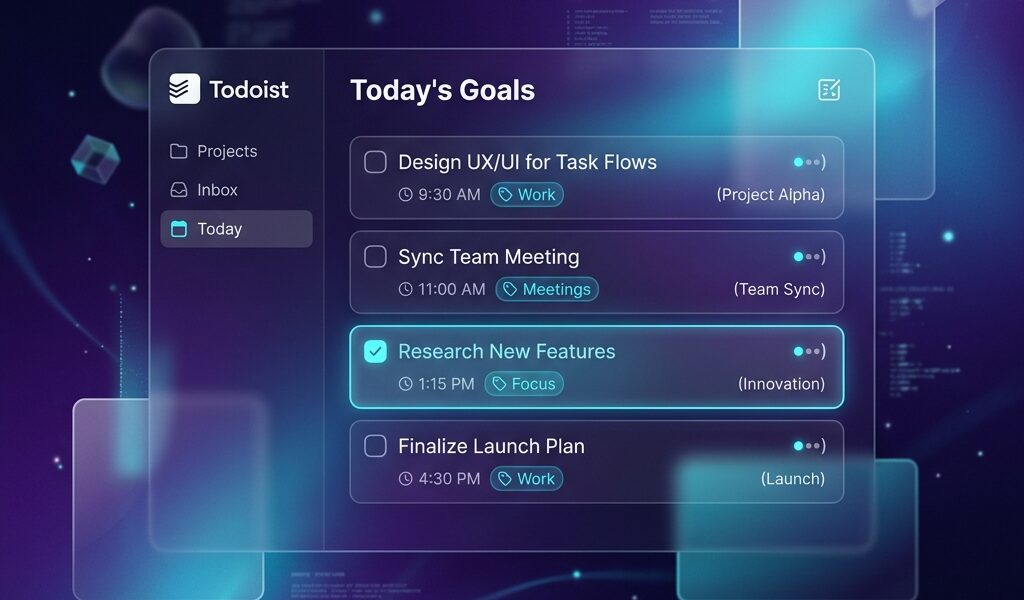
Todoist boasts over 40 million users, but a quick scroll through Reddit reveals a massive wave of frustrated users facing the infamous 5-project limit on the Free plan. Doist, the developer behind the app, recently made basic reminders free for everyone, which was a huge win. However, they simultaneously tightened the grip on personal projects, leaving power users scrambling. Is dropping $5 a month for the Premium (Pro) version actually worth it in 2026? Or is finding a working Todoist mod APK the only logical way to truly organize your chaotic life? Let’s break down the reality of using this app daily.
What is Todoist?
At its core, Todoist is a task management powerhouse built for people who want to spend less time organizing and more time doing. Unlike Notion or ClickUp, which can feel like building a database from scratch, Todoist offers a minimalist, distraction-free environment. You open the app, dump your brain’s contents, and close it.
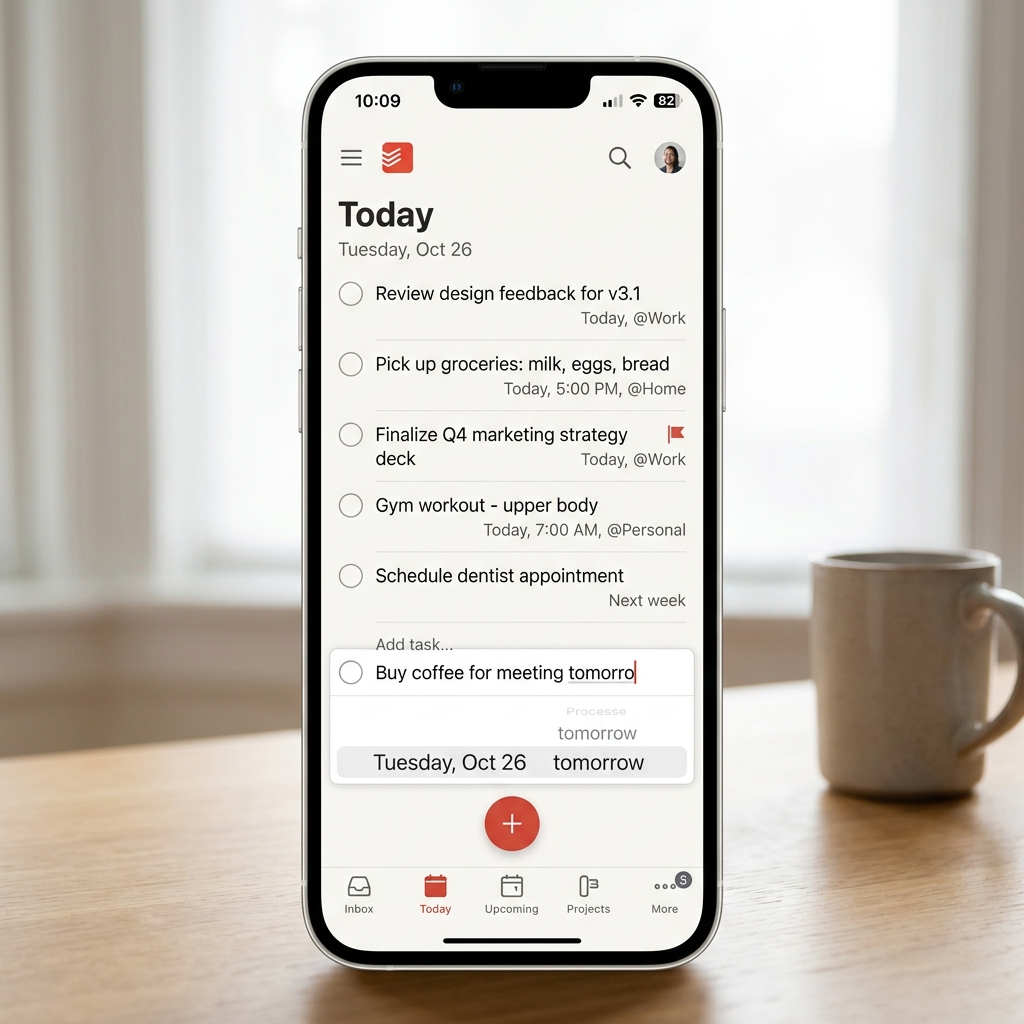
The absolute crown jewel of this app is its Natural Language Processing (NLP). You can type “Submit SEO report every Friday at 3pm #Work p1”, and the app instantly parses the date, assigns it to the Work project, and flags it as priority 1. It is ridiculously fast. Once you get used to NLP quick-adding, using any other calendar or to-do list feels painfully slow and clunky.
The Free Plan vs. Pro Plan Dilemma
Here is where the honeymoon phase ends for many users. The Todoist Free plan is fantastic for a college student or a minimalist, but it hits a brick wall if you juggle multiple side hustles. The biggest pain point universally cited on Pantip and Reddit is the strict limit of 5 personal projects. If you have projects for Home, Work, Health, Finances, and a Hobby, you are entirely maxed out.
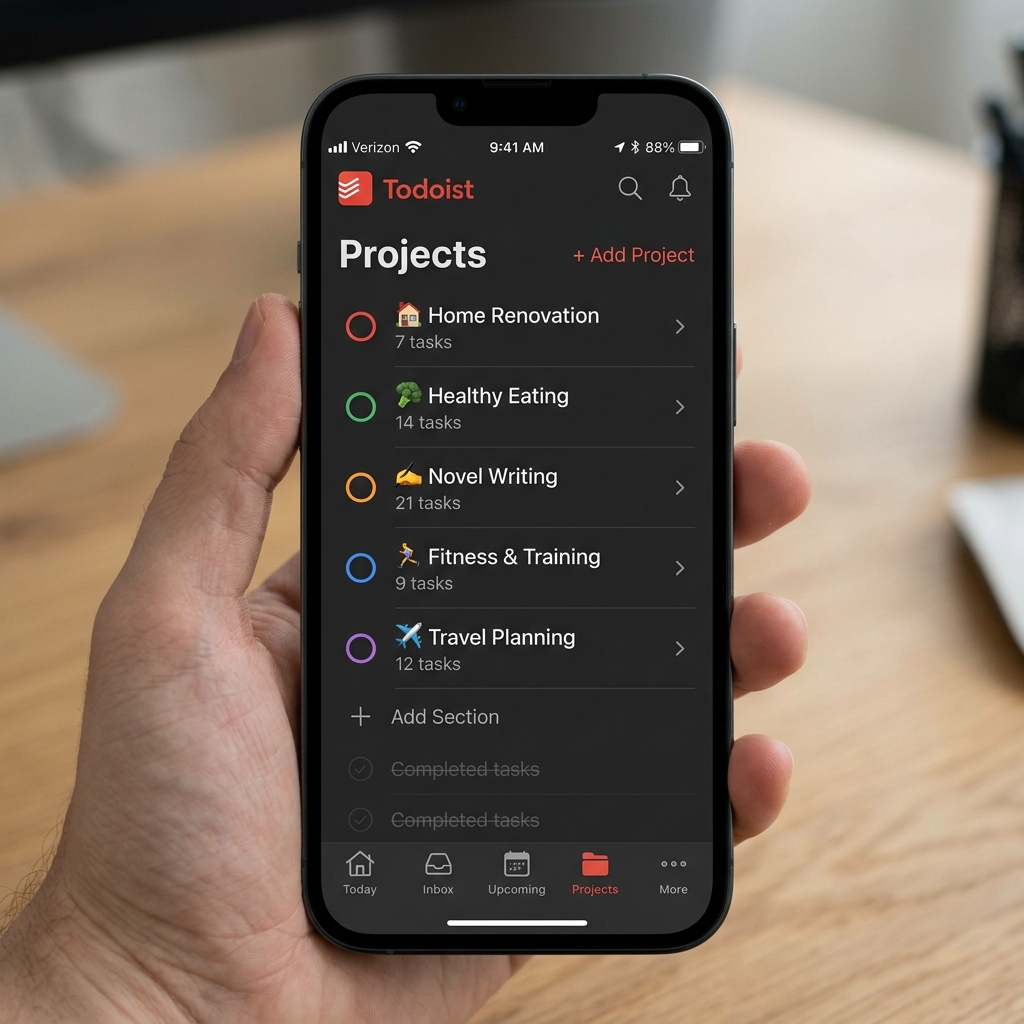
Furthermore, the Free plan locks you out of task durations and advanced filters. You cannot create a custom view that only shows “High priority tasks due today that take less than 15 minutes.” For productivity nerds, being locked out of custom filters feels like buying a sports car with a speed governor.
Why You Need Todoist Premium (Pro)
Upgrading to the Pro plan fundamentally changes how the app functions. The project limit bumps up to 300, which is practically infinite for a single human being. More importantly, it unlocks the unlimited activity history. If you accidentally swipe and complete a crucial task, the Pro plan lets you dig through your history and recover it instantly—a lifesaver during chaotic work weeks.
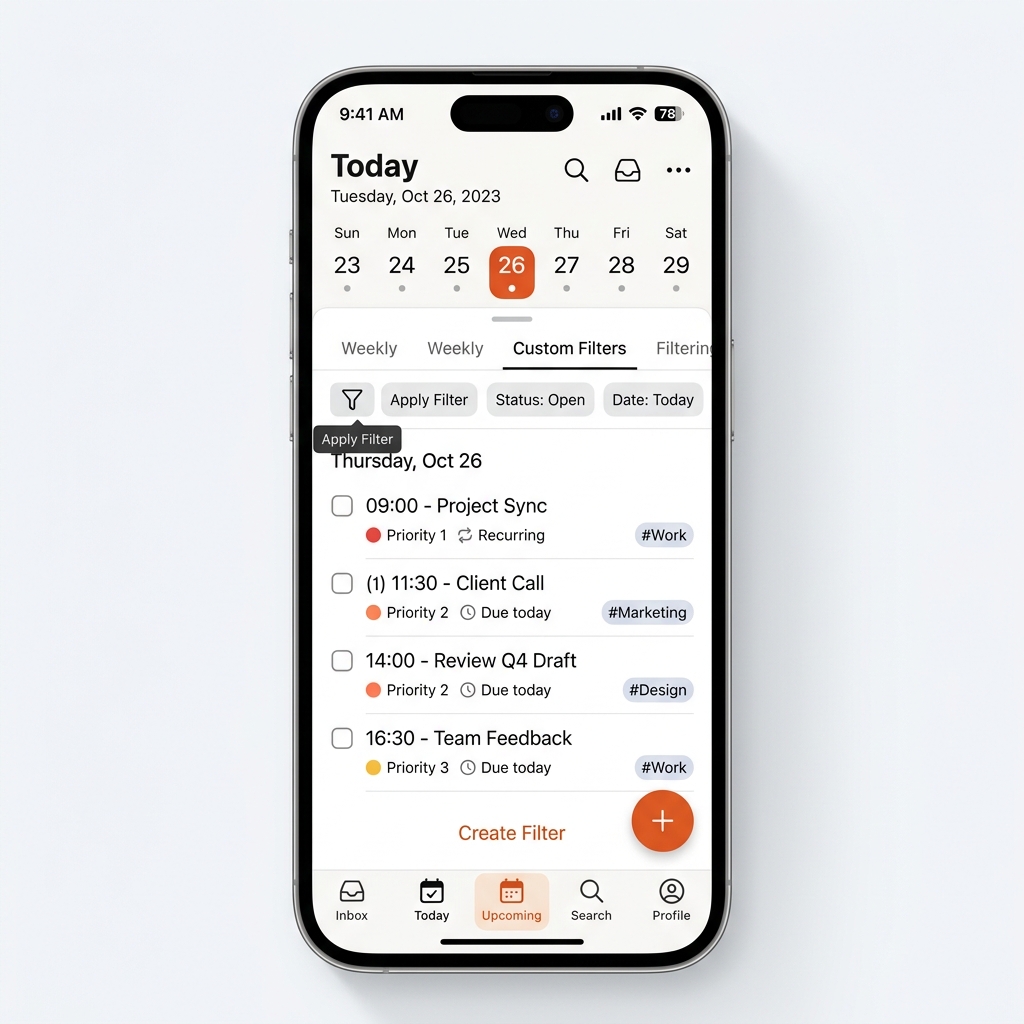
Premium also grants access to custom themes and auto-backups. The auto-backup feature alone justifies the cost if you store critical business deadlines inside the app. You also get the Calendar layout, which transforms your standard list into a beautiful weekly overview, though some users argue TickTick still does the calendar view slightly better.
Is the Mod APK Safe & Worth It?
Let’s address the elephant in the room: downloading a Todoist Mod APK. It is incredibly tempting to bypass the $5/month subscription. However, Todoist is fundamentally a cloud-based application that relies heavily on server-side authentication to sync your tasks across Windows, Mac, and your phone.
Most “Premium Unlocked” mods you find on random forums either fail to sync entirely or stop working the moment Doist updates their server protocols. Worse, modified productivity apps are notorious for scraping your personal data. If you are serious about managing your life, trusting a random APK with your private schedules and passwords is a terrible gamble. We highly recommend using the verified official version—if the Pro price is too steep, try adapting your workflow to the 5-project limit using tags instead.
Tips for Maximizing Todoist (Even on Free)
If you are determined to stick to the Free tier, you must master Labels and Sections. Since you only have 5 projects, create one massive “Work” project and use Sections (like “Marketing”, “Dev”, “Admin”) to divide it. This bypasses the project limit entirely.
Next, memorize the NLP shortcuts. Typing “ev! workday” creates a task that repeats Monday through Friday, but uniquely resets based on when you actually complete it. If you need a more visual, block-building approach to productivity, you might want to explore Notion instead.
FAQ
Does Todoist work offline?
Yes. You can add and complete tasks while completely offline. The moment your device reconnects to Wi-Fi or 5G, it will seamlessly sync your changes to the cloud.
What happens if I cancel Todoist Premium?
Your account reverts to the Free plan. You will not lose your existing tasks, but any projects over the 5-project limit will become read-only until you delete the excess ones.
Can I share projects on the Free plan?
Yes, you can collaborate with up to 5 people per project on the Free tier, making it decent for small family grocery lists.
Final Verdict
Todoist remains the undisputed king of fast, frictionless task entry in 2026. The Natural Language Processing alone makes it superior to Apple Reminders or Google Tasks. While the 5-project limit on the free version is aggressively tight, the app’s flawless cross-platform sync and clean UI make the Premium subscription worth the investment for serious professionals. If you just need a simple grocery list, stick to the free version. If you are running a business, upgrade—just don’t risk your data on broken mod APKs.
Pros & Consข้อดี & ข้อเสีย
How to Download (Safe Guide)วิธีดาวน์โหลด (คู่มือปลอดภัย)
Todoist Mod APK Review 2026: Free vs Premium is available on the following platforms. Follow our safe download guide for each store.Todoist Mod APK Review 2026: Free vs Premium พร้อมให้บริการบนแพลตฟอร์มต่อไปนี้ ทำตามคู่มือดาวน์โหลดอย่างปลอดภัยสำหรับแต่ละร้านค้า