
If you’ve been searching for a “Resident Evil 4 APK” online, you’ve probably hit a wall of frustration. Reddit and Pantip forums are flooded with players asking why their downloaded 40MB APK crashes immediately, gets stuck on a black screen, or displays an “Android version too new” error.
Here is the brutal truth: Capcom has never released an official, full version of Resident Evil 4 for modern Android devices. Those tiny APK files floating around the web are either the ancient, severely downgraded 2013 “Mobile Edition” (which flat-out refuses to run on Android 11+), or worse—they are malware disguised as a game.
If you want to experience the true survival horror masterpiece with Leon S. Kennedy on your smartphone, stop downloading sketchy APKs. The only legitimate, high-quality way to play the original Resident Evil 4 on Android today is through emulation.
The Truth About “Resident Evil 4 APK”
Back in the day, Capcom did release a Resident Evil 4 Mobile Edition for older iOS and Android phones. It featured heavily compressed textures, missing cutscenes, and awkward touchscreen controls. However, that version was abandoned over a decade ago.
Today, downloading a random “Resident Evil 4 Mod APK” is a massive gamble. The Android architecture has evolved so much that apps built for Android 4.0 simply cannot launch on modern hardware. This is exactly why you get the infamous black screen crash the moment you tap the game icon.
Why Your Game Crashes (Black Screen Issues)
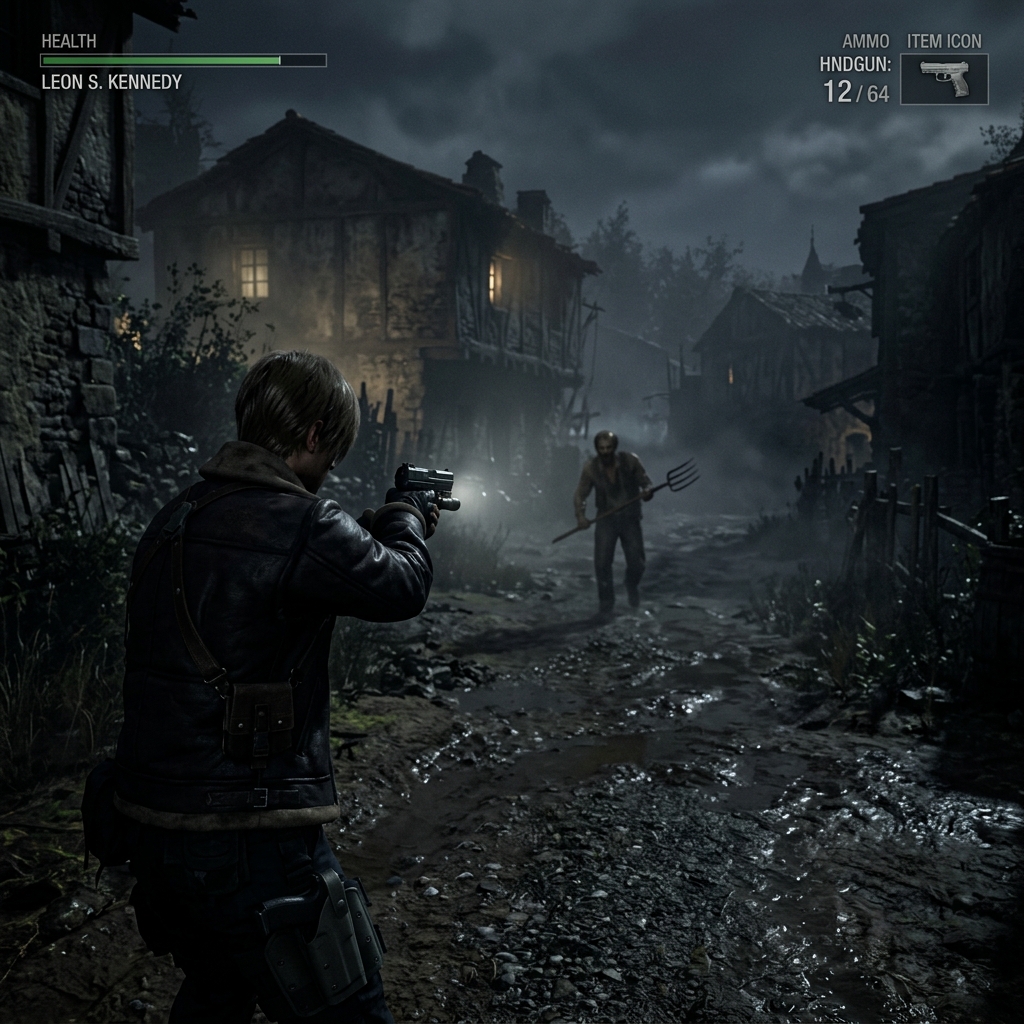
Let’s look at what the community is actually saying. A quick browse through Pantip gaming threads reveals endless complaints: “Cài xong vô màn hình đen thui” (Installed it and got a pitch-black screen) or “Báo lỗi Android version quá mới” (Error: Android version too new).
These crashes happen because:
The ONLY Working Method: Emulation (Dolphin/AetherSX2)
If you have a mid-range to high-end Android phone, you don’t need a shady APK. You can run the actual console version of Resident Evil 4 flawlessly using an emulator.
For the absolute best performance, the Dolphin Emulator (GameCube/Wii) or AetherSX2 (PS2) are your go-to options. By providing your own legally obtained ISO file of the game, you can experience the full console graphics, uncompressed audio, and complete storyline right on your mobile device.
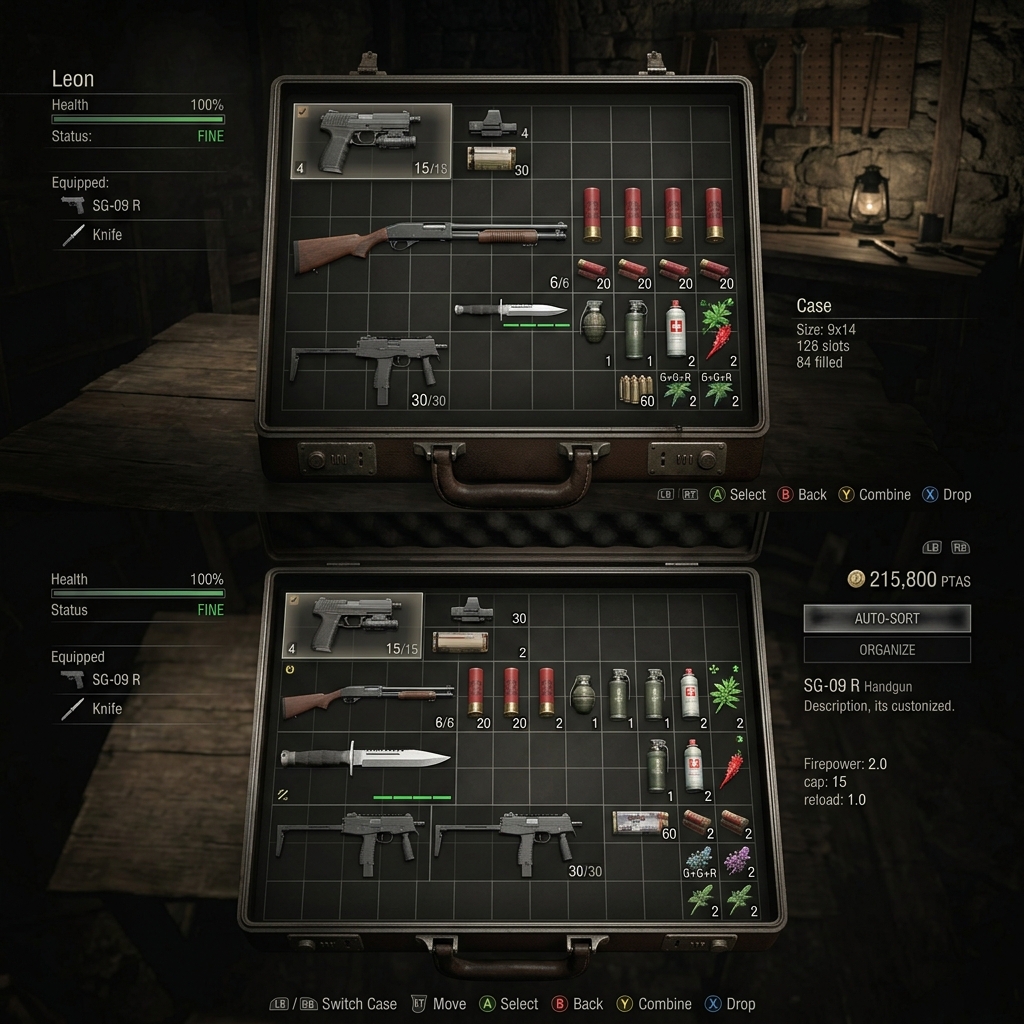
Best Settings for Mid-Range Phones (Snapdragon/Dimensity)
Running a PS2 or GameCube emulator sounds intimidating, but modern phones handle it surprisingly well. If you are rocking a Snapdragon 7-series or a MediaTek Dimensity 8000-series, here is how to get a buttery smooth 30-60 FPS:
FAQ
Is downloading a Resident Evil 4 APK safe?
No. Unless you are downloading a trusted Emulator like Dolphin from the Google Play Store, standalone “RE4 APKs” found on third-party sites are highly likely to contain malware or simply not work on Android 11+.
Can I play Resident Evil 4 Remake on Android?
No, the 2023 Remake is strictly for PC and current-gen consoles (PS5/Xbox Series). Only the original 2005 version can be emulated smoothly on mobile devices.
Do I need an internet connection to play via Emulator?
No. Once you have the emulator and your game ISO loaded on your storage, Resident Evil 4 is a 100% offline, single-player experience.
Pros & Consข้อดี & ข้อเสีย
How to Download (Safe Guide)วิธีดาวน์โหลด (คู่มือปลอดภัย)
Resident Evil 4 is available on the following platforms. Follow our safe download guide for each store.Resident Evil 4 พร้อมให้บริการบนแพลตฟอร์มต่อไปนี้ ทำตามคู่มือดาวน์โหลดอย่างปลอดภัยสำหรับแต่ละร้านค้า