Lose Weight App Review 2026: The Honest Truth About 30-Day Workouts
Over 100 million people have downloaded the Lose Weight App by Leap Fitness, hoping for a magic 30-day transformation. Honestly, every other Lose Weight App review in 2026 treats it like a miracle cure—telling you that if you just follow the animations, the fat will melt off. But does a free app with zero equipment actually work? I’ve spent some time with the 2026 version to give you the honest truth about the workouts, the aggressively pushed subscriptions, and why you’re probably using it wrong.
Quick Verdict
✅ An excellent, highly structured 30-day starting point for complete beginners who don’t know where to start.
⚠️ Will not lead to weight loss unless paired with a strict calorie-tracking diet. You just can’t out-train a bad diet.
📱 Runs flawlessly on any mid-range Thai phone (like the Samsung Galaxy A54) without eating your battery.
──────────────────────────────────────────
What is the Lose Weight App?
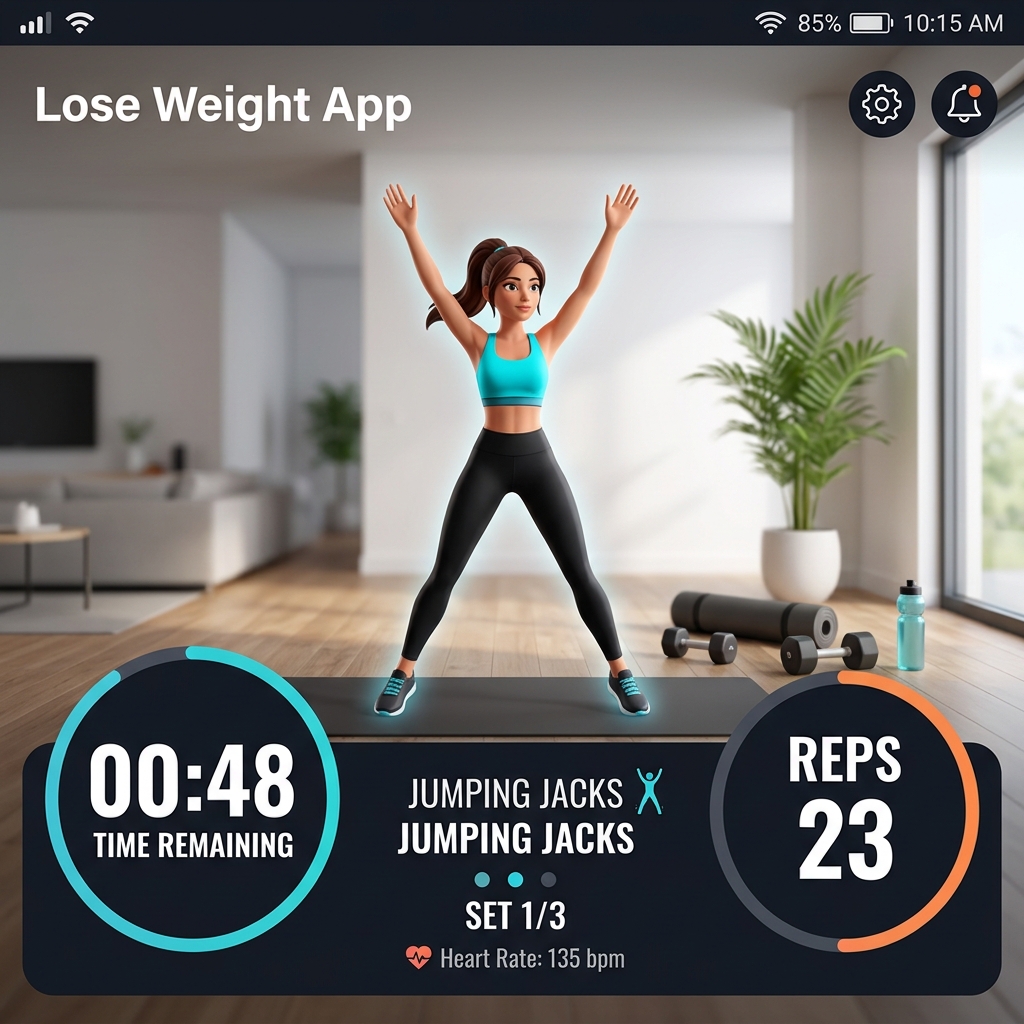
Think of the Lose Weight App as a pocket personal trainer that guides you through 30-day workout challenges using absolutely zero equipment. You open it up, hit play, and follow along with animated avatars showing you exactly how to do jumping jacks, push-ups, and crunches.
Developed by the Leap Fitness Group—a massive powerhouse in mobile health—the app sits at a staggering 4.8/5 rating from millions of users. It got this popular because it totally removes the intimidation of going to a gym. You don’t need weights, you don’t need a membership, and you barely even need any floor space.
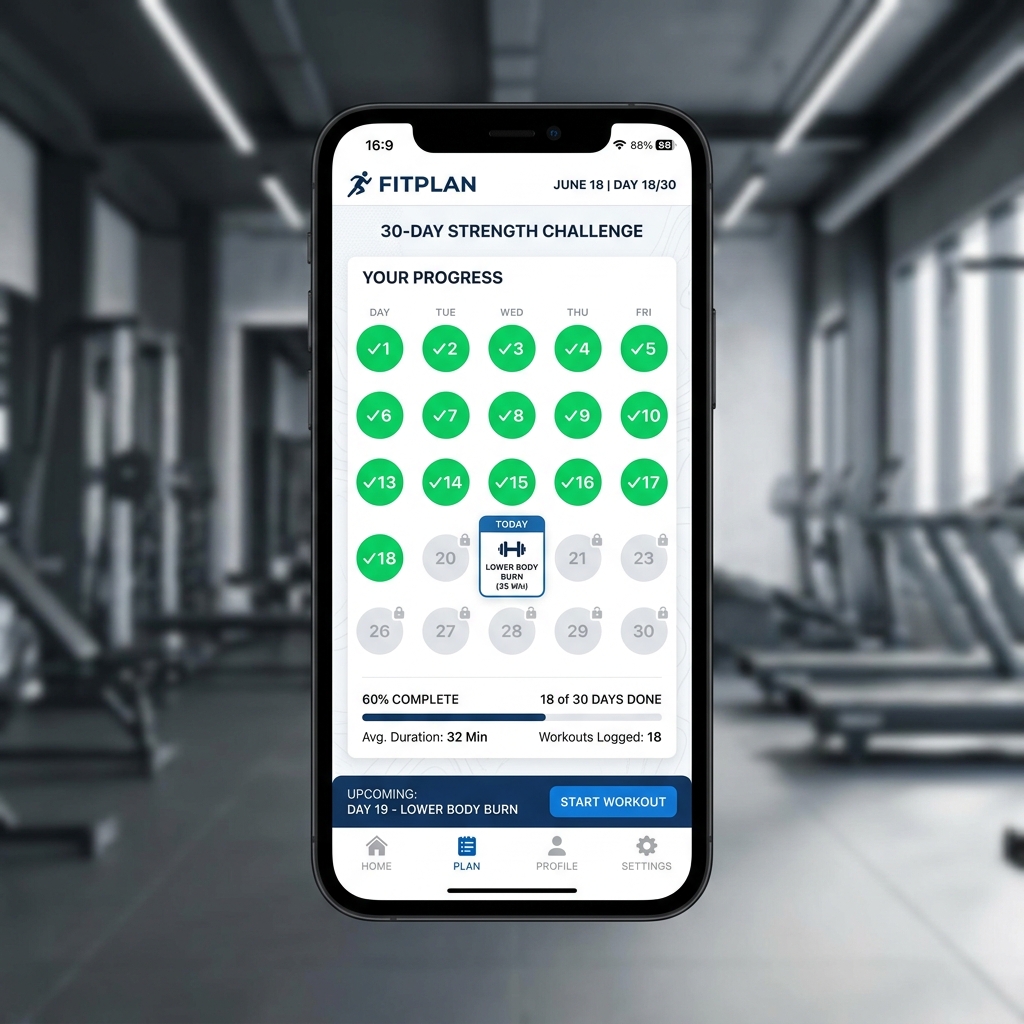
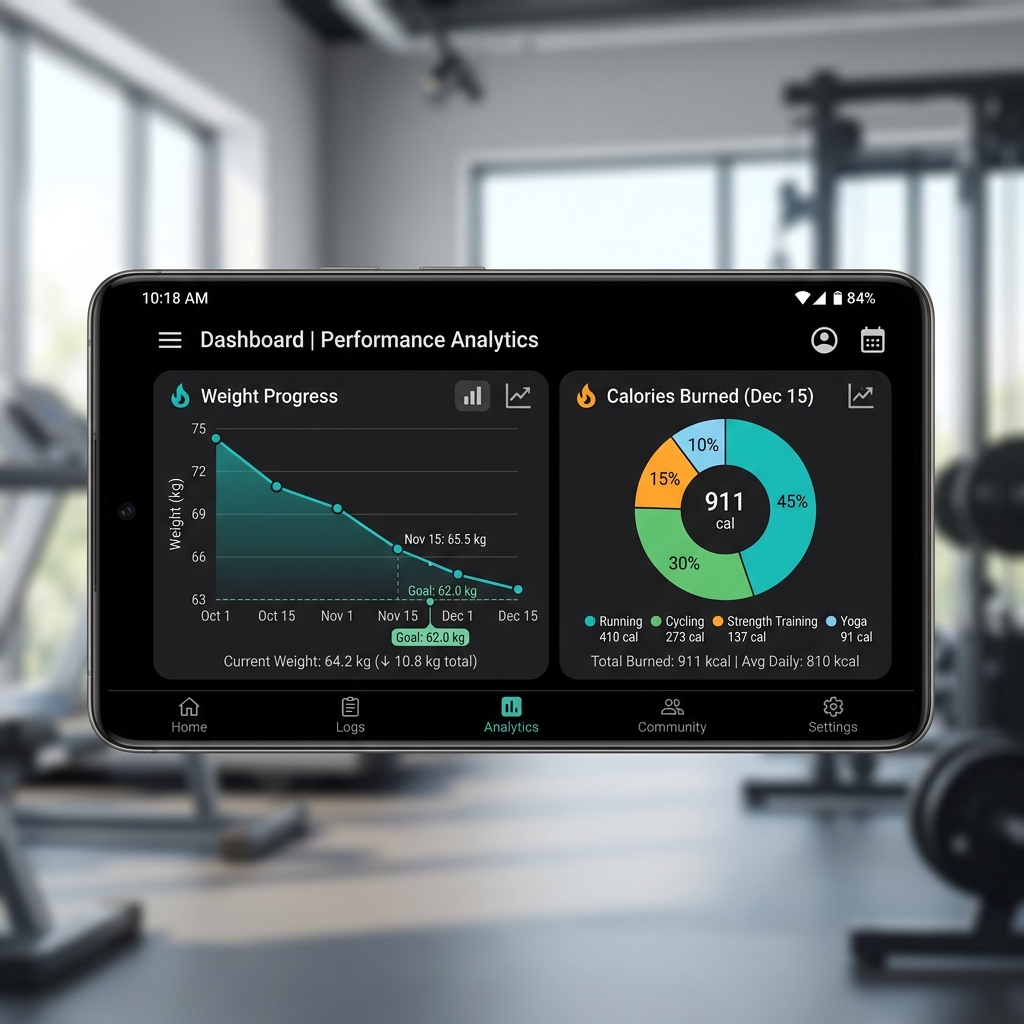
It tracks your daily progress, logs burned calories, and charts your weight loss journey on a graph. Right now, it’s pretty much the king of home-workout apps on Google Play. But while the download numbers are crazy high, actually hitting your fitness goals takes a bit more effort than just opening the app every morning.
──────────────────────────────────────────
The Workouts: Beginner-Friendly or Too Repetitive?
The core loop here is dead simple: log in, pick your difficulty level, and sweat for 10 to 15 minutes. The app barks out when to exercise, when to rest, and exactly how many reps to do.
Check out Reddit’s fitness communities and you’ll see why people love this: the structure is unbeatable. You don’t have to think or plan. For someone who has never exercised, having a day-by-day roadmap is the difference between actually working out and just scrolling TikTok on the couch.
However, the biggest complaint you’ll find online is that by day 15, things start feeling incredibly repetitive. The app leans heavily on a small pool of bodyweight moves. Worse, many routines spam standard crunches. Physical therapists and experienced lifters often warn that doing hundreds of crunches can wreck your lower back. If you start feeling pain, don’t force it—swap crunches for planks. The app actually lets you customize this, which is a lifesaver.
Ultimately, the casual-friendly ceiling is great for building a habit, but if you’re looking for deep athletic training, you’ll outgrow this app in a month.
──────────────────────────────────────────
Graphics & Performance
Visually, they kept things minimal. It uses stylized 3D animations to demonstrate exercises. No, they aren’t hyper-realistic, but they’re smooth and show proper form perfectly—which is all that really matters.
Audio-wise, you get a generic upbeat track and a robotic voice coach counting reps. It’s fine at first, but honestly, you’ll probably mute it and throw on your own Spotify playlist after a few days.
When it comes to performance, Leap Fitness nailed the optimization.
🔥 High-end (Snapdragon 8-series, 8GB+ RAM): Instant loading, buttery smooth, zero lag.
✅ Mid-range (Samsung Galaxy A54, OPPO A78, Vivo Y36): This is where it shines. On Thai mid-range favorites, it holds 60fps effortlessly and barely drains 5% battery during a 15-minute workout.
⚠️ Budget (MediaTek G85, 3-4GB RAM): Runs totally fine, though the initial loading screen might hang for an extra second.
The base download is a tiny 25 MB, and since it relies mostly on offline data, you won’t need a strong WiFi connection to get your sweat on.
──────────────────────────────────────────
The Hard Truth: Why You Need a Diet App Too
If you take one thing away from this review, let it be this: exercise is only 20% of weight loss. The other 80% is what you eat.
If you browse Thai community boards like Pantip, the most common reason people fail with home workout apps is that they overestimate how many calories they burn and underestimate what they eat. The app might proudly claim you burned 150 calories after a grueling session. But if you grab a bubble tea right after, you’ve just inhaled 350 calories. The math just doesn’t work.
To actually see the results Leap Fitness promises, you have to use a companion app to track your food. We highly recommend pairing this workout routine with a dedicated calorie tracker. Check out our health and fitness app category to find a solid companion like MyFitnessPal. Using the Lose Weight App to build the physical habit and a diet tracker to enforce nutritional discipline is the only real way to succeed. If product ingredients and food-quality scores matter more to you than calorie totals, our Yuka product-scoring app review explains the difference.
──────────────────────────────────────────
Free vs Premium: Avoiding Subscription Traps
A huge concern for users—especially on Thai forums—is the fear of “scam” subscriptions or hidden auto-renewals. The Lose Weight App isn’t a scam, but its UI definitely pushes the Premium version aggressively.
Here’s exactly what you get for free: access to the basic 30-day plans, the animations, and the daily tracker. The catch? You’ll have to sit through frequent ads.
The Premium version ditches the ads, unlocks custom meal plans, and gives you access to more specialized workouts. If you decide to try the free trial of Premium, be super careful. You absolutely must manually cancel it in your Google Play Subscriptions menu before the trial ends, or your card will be charged. If you just want to stay free-to-play, simply look for the small “X” or “Skip” button in the corner whenever a Premium pop-up appears.
──────────────────────────────────────────
Tips for New Players
- Swap Crunches for Planks — If your lower back aches during ab exercises, stop. The app lets you swap exercises; use planks to build core strength safely without wrecking your spine.
- Never Skip Rest Days — The 30-day plan includes rest days for a reason. Your muscles need time to recover. Overtraining just leads to burnout and injury.
- Graduate After 30 Days — Once you finish the program, don’t just quit. Restart on a harder difficulty, or check out our Home Workout Review for some heavier routines.
- Hydrate Properly — Sounds obvious, but drink water before, during, and after your session to keep your energy up.
──────────────────────────────────────────
Frequently Asked Questions
Is the Lose Weight App completely free?
Yep, the robust free tier gives you full access to the 30-day workout plans. Just be ready to deal with ads and aggressive pop-ups pushing the Premium subscription.
Can I lose belly fat with this app?
Spot reduction is a total myth. You can’t choose where your body burns fat. You’ll lose overall body fat—which eventually slims down your belly—provided your diet is in check.
Is it safe to do these workouts every day?
The app automatically schedules rest days within the 30-day challenge. Stick to the schedule so your body recovers properly.
What happens after the 30-day fitness challenge?
Once you’re done, the app encourages you to start a new cycle on a higher difficulty or focus on specific muscle groups.
──────────────────────────────────────────
Final Verdict
The Lose Weight App is for you if: you’re a complete beginner who wants a highly structured, equipment-free routine to kickstart a daily exercise habit.
Skip it if: you’re an experienced gym-goer looking for muscle hypertrophy, or if you think you can lose weight without changing what you eat.
Overall, Leap Fitness built the ultimate starting block for anyone trying to get off the couch. It runs flawlessly on budget phones, the animations are clear, and the structure is foolproof. Just remember that it’s only half the battle. Download safely from the official Google Play Store link, grab a calorie tracker to match, and start your 30-day journey today.
Pros & Consข้อดี & ข้อเสีย
How to Download (Safe Guide)วิธีดาวน์โหลด (คู่มือปลอดภัย)
Lose Weight App Review 2026: The Honest Truth About 30-Day Workouts is available on the following platforms. Follow our safe download guide for each store.Lose Weight App Review 2026: The Honest Truth About 30-Day Workouts พร้อมให้บริการบนแพลตฟอร์มต่อไปนี้ ทำตามคู่มือดาวน์โหลดอย่างปลอดภัยสำหรับแต่ละร้านค้า