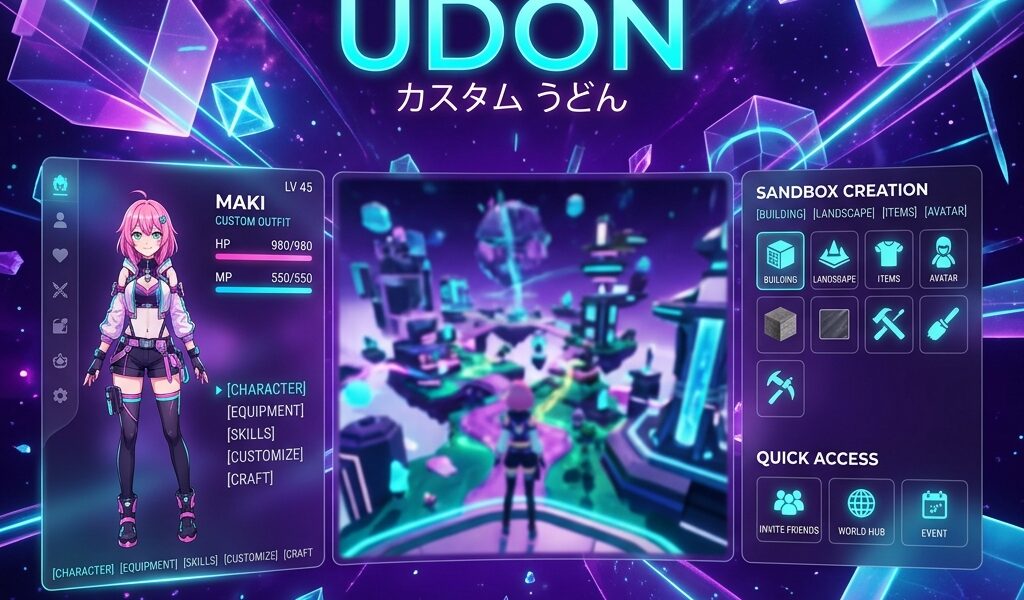

Most Custom Udon reviews focus on the amazing anime world-building, but they completely ignore the brutal reality: the initial setup is a massive headache. If you download this expecting a simple, tap-to-play dress-up game, you’ll probably uninstall it on day one. But if you push through that messy UI, you unlock the absolute best sandbox simulator on mobile right now. We spent hours testing it—and reading endless Reddit complaints—to bring you this honest review. More importantly, we’ve included a beginner guide to help you navigate the confusing interface so you can actually start having fun.
Quick Verdict
✅ Incredible creative freedom with thousands of free community-made assets.
⚠️ The UI is an absolute mess for beginners and lacks official localization.
📱 Runs surprisingly well on mid-range Thai phones (like the Samsung A54), as long as you keep your worlds small.
What is Custom Udon?
Custom Udon is a sandbox simulator giving you total control over anime character creation and interactive storytelling. Developed by Udon Studio, it isn’t your standard mobile game. There are no quests, no bosses, and no energy meters. Instead, you build sets, pose characters, write dialogue, and create visual novels.
What really makes it pop—and why it has millions of downloads—is the hardcore community. Players constantly share “story codes,” letting you download and play entire adventures created by others. Right now, it’s the undisputed king of the mobile anime sandbox genre. While official app stores often lack the latest uncensored updates, the Custom Udon APK remains the go-to for serious creators.
Gameplay & Core Mechanics
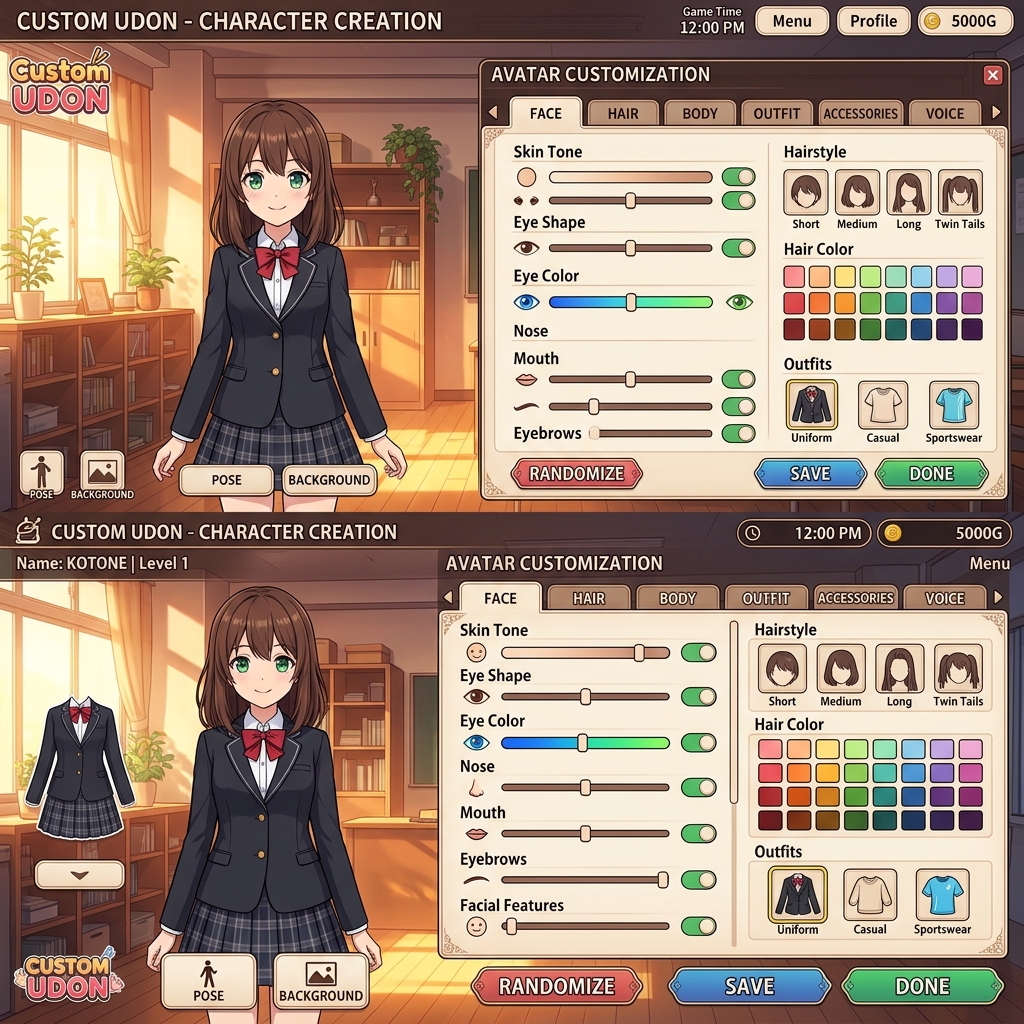
The core loop lives in the Studio mode. You import or build character models, tweaking everything down to the eye shape or tiny clothing accessories. Once your cast is ready, you drop them into a scene, mess with the lighting, and program interactive dialogue. Sounds amazing, right? It is, but the skill ceiling for creators is brutally high.
The #1 complaint on r/CustomUdon is always the steep learning curve. The menus are packed with tiny sliders and icons that make no sense at first glance. But here’s the secret: you don’t actually have to build anything. The easiest way to play is simply pasting community codes into the “Story Player” menu. This instantly downloads interactive stories you can just sit back and enjoy. It’s incredibly addictive once you find creators whose style you vibe with.
Graphics & Performance
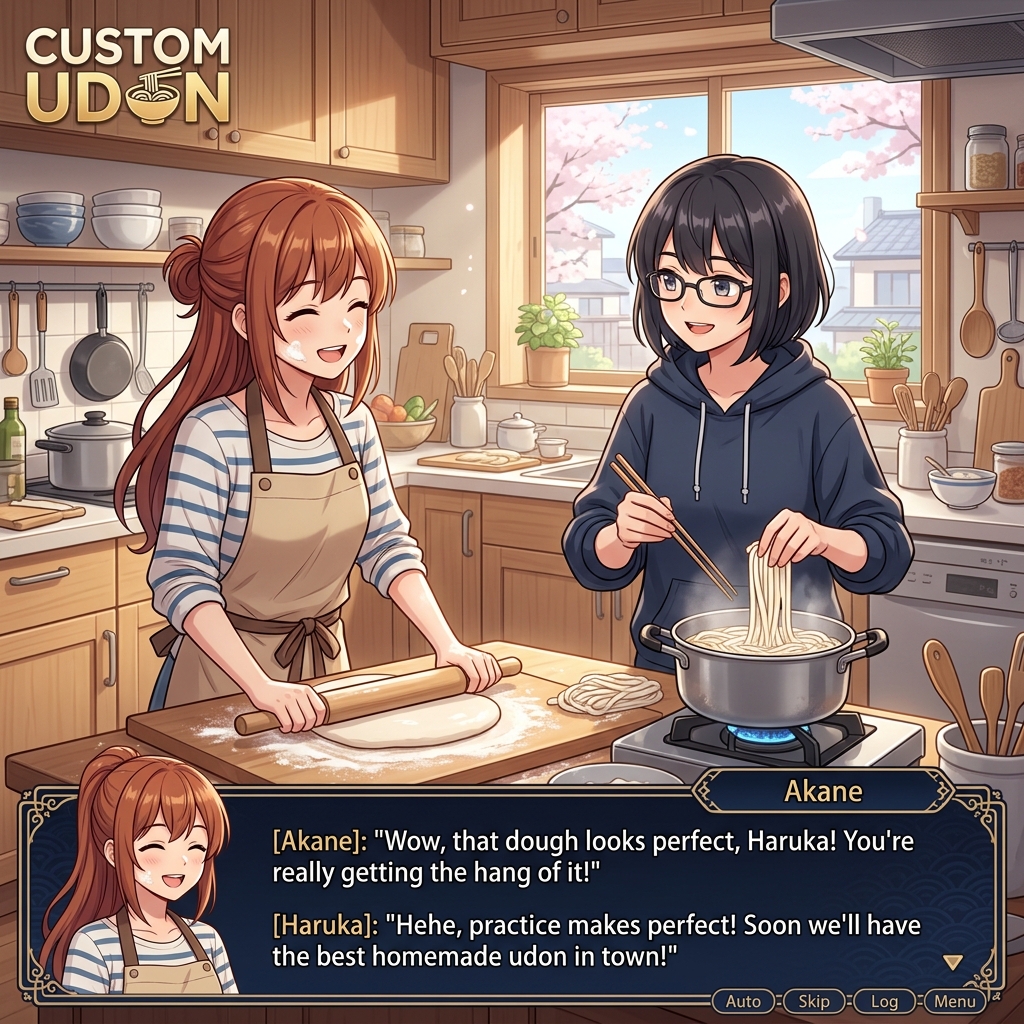
The cell-shaded anime graphics are genuinely stunning, easily rivaling dedicated PC visual novels. But rendering highly detailed 3D models with custom physics is going to push your phone hard.
Here’s how performance actually breaks down:
🔥 High-end (Snapdragon 8 Gen 2, 8GB+ RAM): Flawless 60fps, even in complex scenes with tons of characters and custom lighting.
✅ Mid-range (Samsung Galaxy A54, OPPO A78, Vivo Y36): Runs perfectly fine for standard story consumption. But if you try to build massive worlds with 10+ characters, expect heavy stuttering and long load times.
⚠️ Budget (MediaTek G85, 4GB RAM): Barely playable. You’ll hit heavy lag and frequent crashes when loading community codes.
Battery drain is noticeable. It chews through about 15% per 30 minutes on a standard device. Also, while the base game is only around 145MB, downloaded community assets will quickly push your storage past the 1GB mark.
The UI Language Barrier: How to Navigate
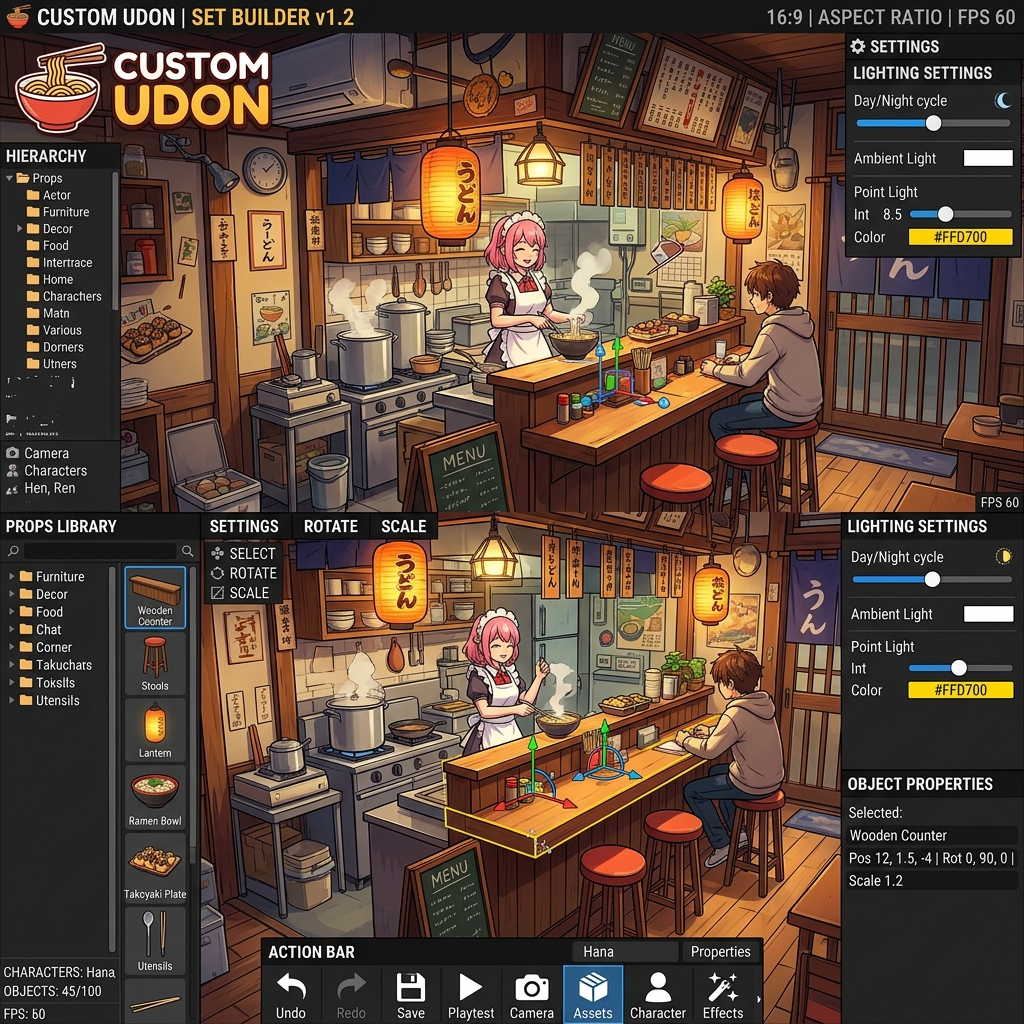
If you’re playing in Thailand, the lack of official Thai localization is a massive pain. The English menus use technical jargon that frustrates casual players. Here’s your quick survival guide.
When you first open the game, ignore the “Studio” button completely. Go straight to “Dress Up” to get a feel for character customization. When you’re ready to play other people’s creations, tap “Story Maker” and look for the tiny “Import Code” icon in the top right corner. Most importantly: do not touch the “Global Settings” tab unless you are following a specific tutorial. Tweaking the wrong physics slider will absolutely break your game.
Tips for New Players (With Top Story Codes)
Don’t let the sandbox overwhelm you. Follow these steps to get started without wanting to throw your phone:
- Start with Codes: Before trying to build, paste popular codes like
UDON-START-99orANIME-LIFE-Xin the Import tab. It shows you exactly what the engine is capable of. - Keep Worlds Small: On your first build attempt, stick to 2 characters and a pre-made background. Physics calculations for 5+ characters will crash a mid-range phone instantly.
- Backup Your Saves Manually: The cloud save feature is notoriously buggy. Always hit “Export Save Data” and copy that text string to your phone’s notepad app to be safe.
Frequently Asked Questions
Is Custom Udon safe to download from APK sites?
Yes, but only if you use a verified source. The version available on APKStoreTH is fully scanned and verified safe, saving you from the malware often hiding in shady forum links.
Is Custom Udon free to play?
100% free. There are no aggressive pay-to-win mechanics, gacha pulls, or premium currency systems blocking your creativity.
Can I play Custom Udon offline?
Yes. Once you’ve downloaded the base game and imported the story codes you want, you don’t need an internet connection to play them.
How much storage does Custom Udon need?
The initial APK is only about 145MB. However, leave at least 1.5GB of free space. Downloaded characters and story assets pile up fast.
Final Verdict
Custom Udon is for you if you love anime aesthetics, visual novels, and having absolute creative control over your game. Skip it if you want an action-packed experience with clear objectives, or if you hate reading tutorials.
It demands a lot of patience, and the lack of Thai language support is a real drawback. But if you use our translation guide and start off with community codes, it offers a totally free sandbox experience that no other mobile app can touch. Download it safely using the verified APKStoreTH link above.
Pros & Consข้อดี & ข้อเสีย
How to Download (Safe Guide)วิธีดาวน์โหลด (คู่มือปลอดภัย)
Custom Udon APK: The Ultimate Anime World Simulator (Honest Review & Beginner Guide) is available on the following platforms. Follow our safe download guide for each store.Custom Udon APK: The Ultimate Anime World Simulator (Honest Review & Beginner Guide) พร้อมให้บริการบนแพลตฟอร์มต่อไปนี้ ทำตามคู่มือดาวน์โหลดอย่างปลอดภัยสำหรับแต่ละร้านค้า