

Wait timers are the single most common complaint about mobile city builders — you place a building, it says “come back in 4 hours,” and the whole point of the genre (build at your own pace) quietly gets replaced with “check your phone on a schedule.” Designer City 2, from Sphere Game Studios, is one of the few games in the genre that states directly, in its own store listing, that it doesn’t do this.
This pick is featured in our 5 Best Offline City-Building Games for Android roundup — see how it stacks up against the rest of the list.
Quick Verdict:
– Best for: players specifically tired of timer-gated progress in city builders, who want a skyline-focused sandbox they can play at their own pace
– Skip if: you want DC2’s predecessor’s more realistic art style, or zero risk of ever hitting a save-related bug
– Rating: 4.7/5 on Google Play (31,800+ reviews, 1M+ downloads)
What is Designer City 2?
Designer City 2 is a city-building simulator from Sphere Game Studios that ties for the highest rating in our offline city-builder roundup at 4.7 stars, with over 31,800 reviews and 1 million-plus installs. What sets it apart isn’t just the rating — it’s that the game’s own description makes the offline, no-timers claim explicitly, not once but twice: it opens with “Tired of waiting in other city games? In this free offline city building simulator there are no timers or energy bars – you control the pace,” and later restates it under its own “PLAY OFFLINE OR ONLINE” section: “Designer City 2 is completely free to play and works offline. No internet connection needed, no energy bars, no timers.”
That’s an unusually direct, checkable claim for a genre where “offline-friendly” often just means “you can technically open the app without wifi, but progress crawls unless you pay or wait.” A Google Play review independently backs this framing up, calling it “a true city building game without gimmicks or hoops to jump through” and specifically praising how “in-depth the financial management is” — a second, independent voice confirming the core pitch actually holds up in practice.
Gameplay & Core Mechanics
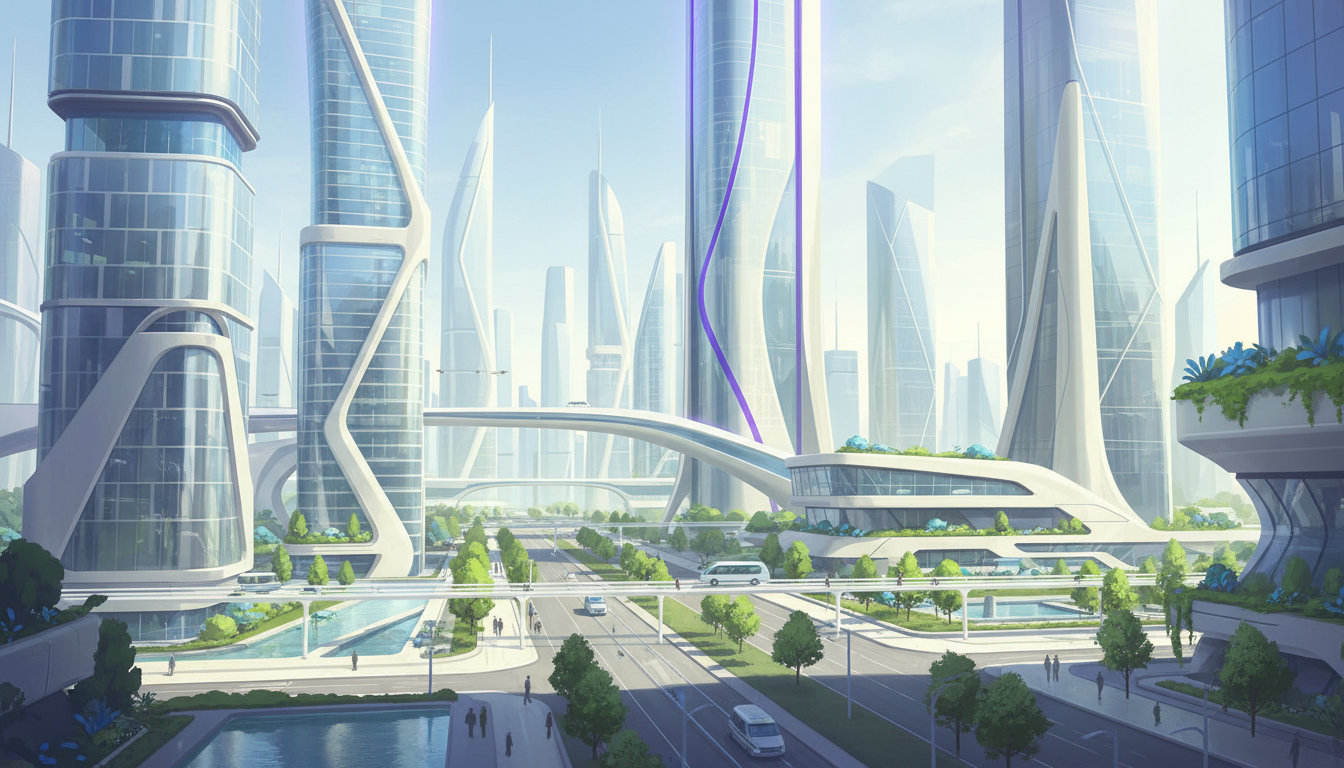
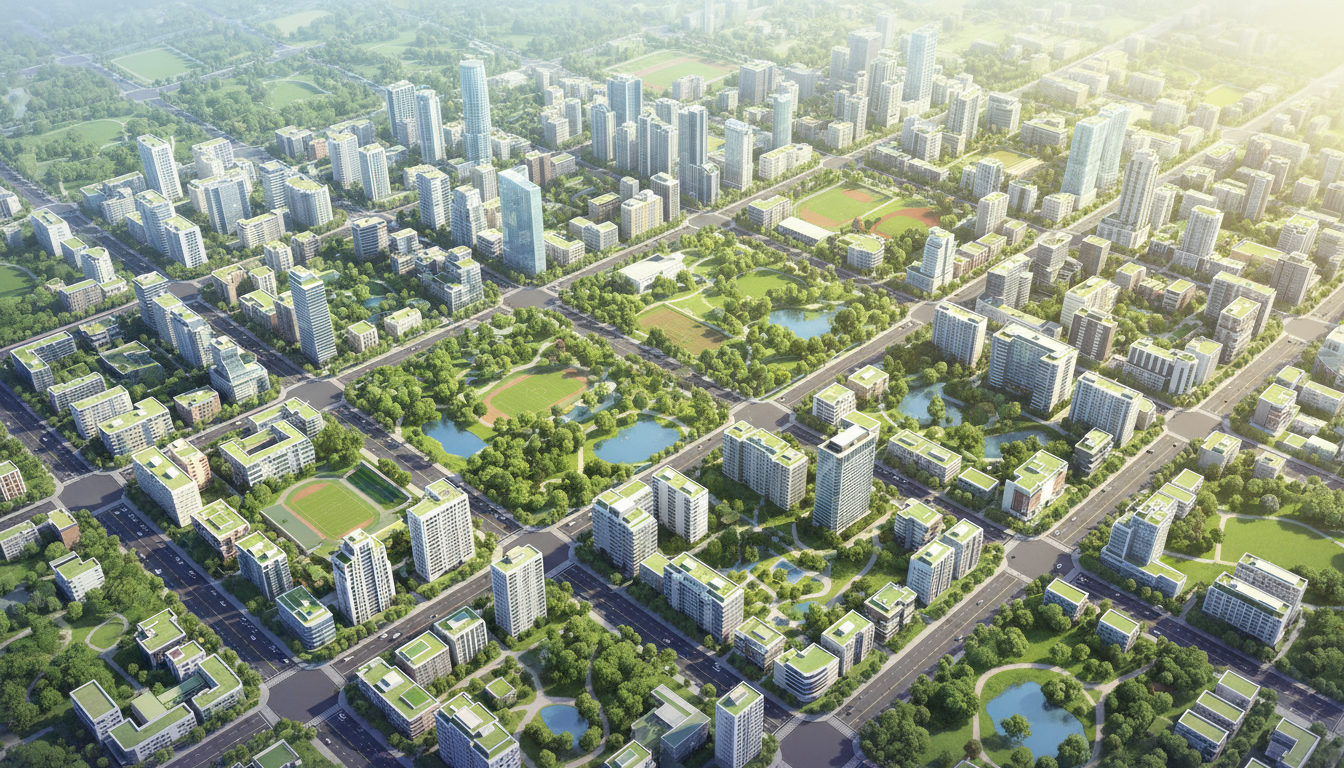
The core loop leans into skyline aesthetics more than any other game on our offline list: over 2,000 unique buildings, world landmarks and monuments you can work into your city, and terrain tools that let you raise mountains, carve rivers, and shape coastlines, so every city ends up looking genuinely different rather than following one fixed map layout. Underneath the visual variety, there’s real city-management depth — the game’s own description frames it as “more than just a casual builder, it’s a city tycoon simulator,” with systems for balancing jobs and housing, managing pollution, and building out roads, highways, railways, and subways to keep traffic moving. Players who want even more simulation depth than that — disaster response, water systems, a full plugin ecosystem — should also check out our TheoTown review, the most systems-heavy pick on our offline list.
Expansion options go further than a typical mobile city builder too: airports, seaports, and farms to boost your economy, plus military and space program content for extra late-game depth. A built-in city reset feature lets you start fresh on a new landscape without reinstalling, which is a nice quality-of-life touch if you want to try a different terrain shape after you’ve learned the systems.
Community discussion offers a useful, honest point of comparison to the original Designer City: a thread discussing a content update frames the sequel’s tradeoff plainly — “DC2 focuses more on aesthetics. However, it lacks realistic graphics and visuals which DC1 provides to the players.” Worth knowing if you’ve played the first game and are deciding whether to move to the sequel: DC2 leans more stylized and skyline-focused, not photorealistic.
No Timers, No Energy Bars: Does the Claim Hold Up?
Based on the game’s own listing, an independent Google Play review, and a separate Softonic listing that repeats the same “free and safe” framing, the core no-timers, offline-first claim checks out from multiple sources — this isn’t a single marketing line that goes unverified. For a genre where timer-gated progress is one of the most common complaints, that’s genuinely worth highlighting as a real differentiator rather than empty copy.
That said, honesty cuts both ways, and there’s a real complaint worth surfacing: a thread on r/DesignerCity2 describes a progress-loss incident — after repeated “restarting attempts,” a recurring “city at risk” warning, the game eventually reset the player’s progress, with buildings reportedly appearing incorrectly afterward. A separate thread, titled bluntly “I’m quitting this game,” describes a frustrating support interaction where the player felt dismissed after asking a question. Neither report suggests this happens routinely — the game’s 4.7-star rating from 31,800+ reviews argues against a widespread pattern — but they’re real, sourced incidents worth knowing about before you invest a long-term city into the game.
The “play offline or online” framing in the listing is also worth clarifying: this appears to mean the app works with or without a connection, not that there’s a mandatory online mode — nothing in the full description references trading, social features, or live events, consistent with the toplist’s offline-first framing.
Is Designer City 2 Worth Playing in 2026?
Yes, particularly if timer-gated progress is specifically what’s soured you on other city builders. Designer City 2’s core pitch is unusually well-documented and independently confirmed — you’re not taking the “no timers” claim on faith, it’s backed by the game’s own repeated description and outside reviews. The skyline-focused, terrain-shaping gameplay also gives it a distinct identity rather than feeling like a clone of bigger city builders. If you’d rather trade skylines for underground vaults, Fallout Shelter is another offline-friendly builder worth a look, with a post-apocalyptic twist.
The honest caveat is the progress-loss report found in community discussion — not common enough to call a pattern, but real enough to mention. If you’re the type of player who gets attached to a long-running save, it’s worth knowing that isolated data-loss incidents have been reported, even if they don’t appear to be the norm.
If you’ve played the original Designer City and are choosing between the two, go in expecting DC2 to prioritize stylized skyline aesthetics and city-management depth over the more realistic visual style some players associate with the first game.
Tips for New Players
- Take advantage of the no-timer pace deliberately. Since progress isn’t gated behind wait timers, you can genuinely play in long, focused sessions instead of the usual “check back every few hours” mobile city-builder rhythm.
- Use the terrain tools early. Raising mountains, carving rivers, and shaping coastlines before you build heavily makes for a more distinctive skyline than building on flat, default terrain.
- Balance jobs and housing deliberately. The game’s own “tycoon simulator” framing is accurate — city-management systems like employment and pollution genuinely affect outcomes, so don’t treat this as a pure decoration sandbox.
- Save/back up progress where the game allows it, if you’re cautious. Given the isolated progress-loss report found in community discussion, players who want extra peace of mind may want to avoid restarting the app repeatedly during unusual “city at risk” warnings, and instead report the issue through official channels first.
- Try the city reset feature once you understand the systems. It’s a built-in way to start over on new terrain without losing your understanding of how zoning and services work.
- Expect a stylized look, not photorealism. If you’re coming from the original Designer City expecting the same visual style, know going in that DC2 leans more toward skyline aesthetics than realistic detail.
FAQ
Does Designer City 2 really have no timers?
Yes — this is one of the most explicitly and repeatedly stated claims in its own Google Play description, and it’s independently backed by outside reviews praising the lack of “gimmicks or hoops to jump through.”
Does Designer City 2 work offline?
Yes. Its own listing states “no internet connection needed” directly, and the full description contains no mention of trading, social features, or live events.
Is Designer City 2 free?
Yes, it’s free to play with ads and in-app purchases — there’s no upfront cost to download and start playing. If you want an even smaller, more bite-sized alternative in the same vein, Pocket City 2 is built specifically to skip microtransactions entirely.
Has anyone reported losing progress in Designer City 2?
A community thread describes an isolated incident involving a recurring warning and a subsequent progress reset. It doesn’t appear to be a widespread pattern given the game’s strong overall rating, but it’s a real report worth being aware of.
Final Verdict
Designer City 2 backs up one of the boldest claims in the offline city-builder genre — no timers, no energy bars, genuinely playable offline — with its own repeated description and independent reviews that confirm it in practice. It ties for the highest rating on our list for good reason. The honest caveat is a real, if apparently isolated, progress-loss report from the community, worth knowing about but not enough to outweigh what is otherwise a distinctive, well-regarded, genuinely offline skyline builder. For a change of pace from city management entirely, our Rebuild 3: Gangs of Deadsville review covers a flat-priced $5 strategy sim that’s also earned its keep with players.
Pros & Consข้อดี & ข้อเสีย
How to Download (Safe Guide)วิธีดาวน์โหลด (คู่มือปลอดภัย)
Designer City 2 Review 2026: The Offline City Builder That Actually Skips the Timers is available on the following platforms. Follow our safe download guide for each store.Designer City 2 Review 2026: The Offline City Builder That Actually Skips the Timers พร้อมให้บริการบนแพลตฟอร์มต่อไปนี้ ทำตามคู่มือดาวน์โหลดอย่างปลอดภัยสำหรับแต่ละร้านค้า