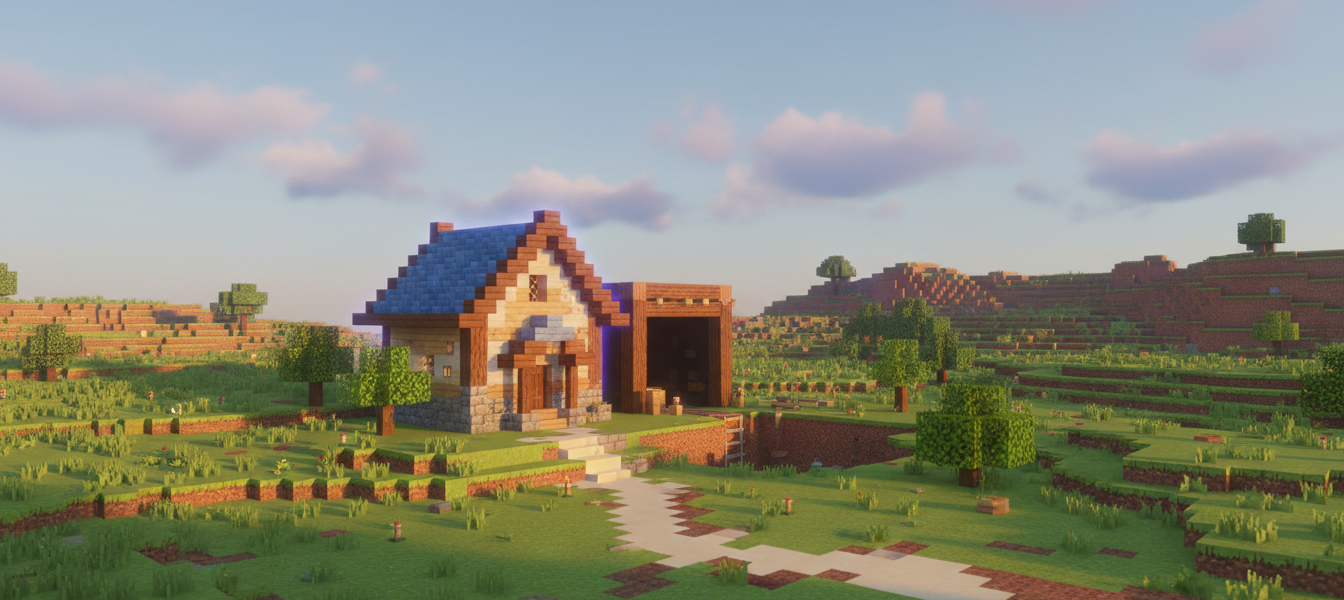
Minecraft needs almost no introduction, but its offline credentials are worth stating plainly anyway: Google Play tags it directly under “Offline,” Survival mode is fully playable solo with no connection required, and its own description confirms you can enjoy it “solo or with friends” — multiplayer is explicitly optional, not mandatory. With 5.82 million-plus reviews, it’s the single largest game by review count in this entire base-building survival roundup, and still receiving active updates 15-plus years after launch.
This pick is featured in our 5 Best Offline Base-Building Survival Games for Android roundup — see how it stacks up against the rest of the list.
Quick Verdict:
– Best for: players who want the genre’s foundational, most actively-maintained title and don’t mind paying upfront for it
– Skip if: you want a completely free download or zero tolerance for occasional crashes and UI glitches
– Rating: 4.3/5 on Google Play (5,820,000+ reviews, 50M+ downloads)
What is Minecraft?
Minecraft — listed on Google Play as “Minecraft: Dream it, Build it!” — is Mojang’s sandbox survival-building game, and easily the biggest name in this entire roundup. It’s a paid app at $6.99, with separate optional Marketplace and Realms purchases layered on top. Google Play currently shows a 4.3-star rating from 5.82 million-plus reviews and 50 million-plus installs, tagged Simulation, Sandbox, Casual, Multiplayer, Cooperative multiplayer, Single player, Stylized, Pixelated, Peaceful, Construct, and Offline. It was last updated August 19, 2026, confirming it’s still actively maintained well over a decade after its original release.
Gameplay & Core Mechanics
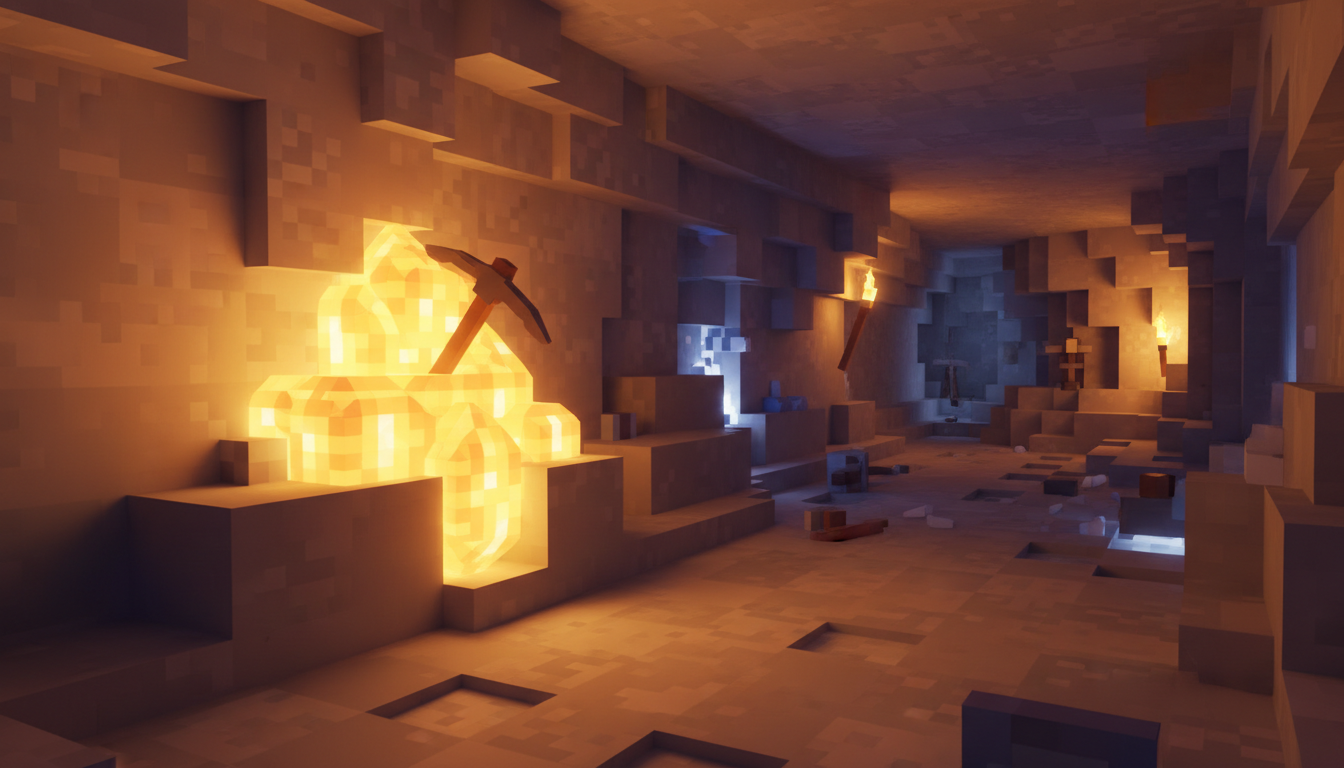
Minecraft’s own description lays out the two core modes plainly: in Creative mode, you “enjoy unlimited resources” to build anything without constraints, while in Survival mode you “survive the night, face intense battles, craft tools, and fend off danger” — and crucially, it’s playable “solo or with friends,” with multiplayer positioned as an optional add-on rather than a requirement. That’s exactly consistent with Google Play’s own Offline tag: the core loop doesn’t need a connection to function. If you’d rather pay once and be done with any Marketplace or Realms upsells entirely, our review of Terraria covers this roundup’s other fully self-contained, one-time-purchase pick.
The rating breakdown reflects genuinely strong sentiment at massive scale: 3,295,170 five-star reviews and 390,315 four-star, against 510,481 one-star and 151,562 two-star. That one-star count is the largest raw number of any game in this roundup — but it’s worth keeping in perspective, since it’s still only around 9% of the total, with combined 4-and-5-star share sitting around 63% and 5-star alone at roughly 57%. At this scale, even a small percentage translates into a big-looking raw number.
Real Bugs at Scale: What Reviewers Actually Report
Because Minecraft has more reviews than any other game in this roundup by a wide margin, it also surfaces the largest raw number of specific technical complaints — worth naming honestly rather than glossing over. Multiple independent reviewers report a recurring “Minecraft is not responding” crash error across different devices (one reviewer, Queen Shadow, 2-star). Another reviewer reports crashes specifically tied to placing a water bucket. Others describe missing health and hunger HUD elements plus a glitched inventory background (Dawson, 2-star), and one calls out “a massive ton of UI bugs” along with a skin that failed to stay cloud-saved (Nikolai Bullock, 3-star).
One complaint that’s distinct from anything else in this roundup: a reviewer (Crazed Axe But Better, 4-star) flagged that the game world keeps simulating in the background even when the app isn’t actively open, causing unexpected battery drain. There’s real monetization friction too — one reviewer (David Camacho, 4-star) notes needing to pay for a Realms subscription just to back up worlds despite already owning the base game, while another (Aundré, 2-star) got stuck on a loading screen after paying for Realms. A separate reviewer (Cohen, 4-star) points out Marketplace packs don’t show file size before purchase, leading to a purchase that turned out incompatible with their device. For a different take on monetization friction, Live or Die: Zombie Survival — also in this roundup — ties its monetization to a real-money revival mechanic instead of subscriptions.
Despite all that, genuinely strong positive sentiment runs alongside the bugs — one reviewer (Amber 0 / Rot_Kit, 5-star) credits the game with teaching them “art, and programming… basics” and setting them on a path toward becoming a game developer. Several call it their favorite game of all time and specifically note the lack of ads. One reviewer (Camden Julius, 5-star) offers a practical workaround for lag: uninstalling unused mods and old worlds to free up performance.
Is Minecraft Worth Playing in 2026?
Minecraft’s Survival mode is genuinely, confirmedly offline — both Google Play’s own tag and the game’s description back that up, and there’s no ambiguity here the way there is with some other picks. It’s also the most actively maintained title in this roundup, still shipping updates as recently as August 2026, well over 15 years after its original release. That kind of longevity, combined with a 4.3-star rating across 5.82 million reviews, speaks for itself. If you want an even harder, more realism-focused take on the same core loop, the Survivalcraft review is worth reading too.
The honest tradeoff is scale-proportional bug exposure: with millions more reviews than anything else in this list, Minecraft also surfaces the largest raw number of crash reports, UI glitches, and Marketplace/Realms paywall friction complaints. Proportionally these remain a small minority of an enormous review base, but they’re real, specific, and worth knowing before you buy — especially the background-simulation battery drain and the Realms-gated world backup issue, both genuinely distinct complaints not seen elsewhere in this roundup.
Tips for New Players
- Start in Survival if you want the base-building-survival experience this roundup covers. Creative mode’s unlimited resources are great for building, but Survival is where crafting, danger, and resource management come together.
- Uninstall unused mods and old worlds if you notice lag. One reviewer’s specific workaround for performance issues — a clean, low-effort first step before assuming your device can’t handle it.
- Don’t purchase Marketplace packs assuming they’re small. Reviewers report file sizes aren’t shown before purchase, so check compatibility and storage space carefully first.
- Know that Realms is a separate, optional paid layer. If you just want the base offline experience, you don’t need it — it’s specifically for private servers and cloud world backups.
- Watch your battery if you leave the app open in the background. A reviewer flagged the world continuing to simulate even when not actively open — closing the app fully when done helps.
- Back up worlds locally if you’re not paying for Realms. Since Realms is the official cloud-backup path, manage local saves carefully to avoid losing progress without it.
FAQ
Does Minecraft work offline?
Yes — Survival mode is confirmed playable solo with no connection required. Google Play tags the game directly under “Offline,” and the game’s own description confirms it’s playable “solo or with friends,” with multiplayer explicitly optional.
Is Minecraft free?
No — it’s a paid app at $6.99, with additional optional purchases available through the Marketplace and Realms subscription service layered on top of the base game.
Are the crash and bug reports a serious concern?
They’re real and specific — recurring “not responding” errors, UI glitches, and a water-bucket-related crash all show up across multiple independent reviewers. But with 5.82 million-plus total reviews, even the largest raw complaint counts in this roundup remain a small proportion of the overall base, which sits at roughly 63% four-and-five-star.
Do I need to pay for Realms to play offline?
No — Realms is an optional subscription for private servers and cloud world backups. The core offline Survival and Creative experience doesn’t require it, though one reviewer notes it’s currently the only official way to back up worlds.
Final Verdict
Minecraft earns its place as the genre-defining pick in this roundup on every measure that matters: confirmed offline Survival mode, the largest and most engaged review base by far, a 4.3-star rating that’s held up at massive scale, and active maintenance 15-plus years after launch. The tradeoff is that its sheer size also surfaces the largest raw number of specific bugs and paywall-friction complaints in this list — real, but proportionally a small slice of an enormous player base. If you want the original, still-thriving base-building survival experience and don’t mind paying $6.99 upfront, this is the easiest recommendation in the roundup. If a completely free alternative with an even more explicit offline guarantee sounds appealing, check out our Mini World: CREATA review as well.
Pros & Consข้อดี & ข้อเสีย
How to Download (Safe Guide)วิธีดาวน์โหลด (คู่มือปลอดภัย)
Minecraft Review 2026: The Genre-Defining Pick, Bugs and All is available on the following platforms. Follow our safe download guide for each store.Minecraft Review 2026: The Genre-Defining Pick, Bugs and All พร้อมให้บริการบนแพลตฟอร์มต่อไปนี้ ทำตามคู่มือดาวน์โหลดอย่างปลอดภัยสำหรับแต่ละร้านค้า