

If you search for “Outbound APK” right now, you are going to find dozens of shady websites offering a free download. Do not click them. Square Glade Games has not released an official mobile port for their cozy van-life survival game.
Those files are almost guaranteed to be malware. However, that doesn’t mean you are stuck watching streamers play it on PC. There is a completely legitimate, safe way to play Outbound on your Android device right now using Cloud Gaming. Before you try to squeeze a full PC game onto your phone, let’s look at exactly what you are getting into and whether the game survives its recent Reddit controversies.
What is Outbound? The Ultimate “Van Life” Survival Experience
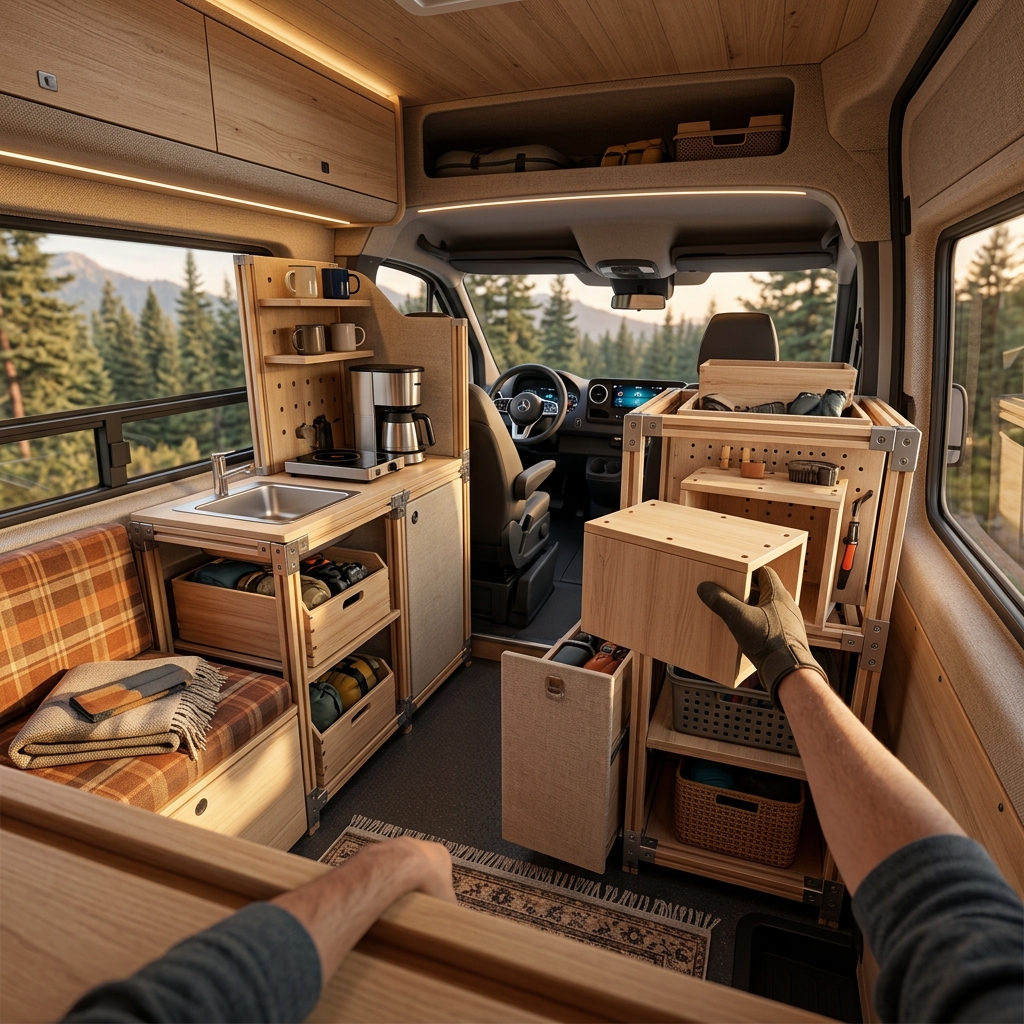
Outbound is not your typical hardcore survival game where you punch trees and run from zombies. It is a cozy, open-world exploration simulator where your base is an electric camper van. You start with an empty shell and use a modular building system to turn it into a multi-story mobile home.
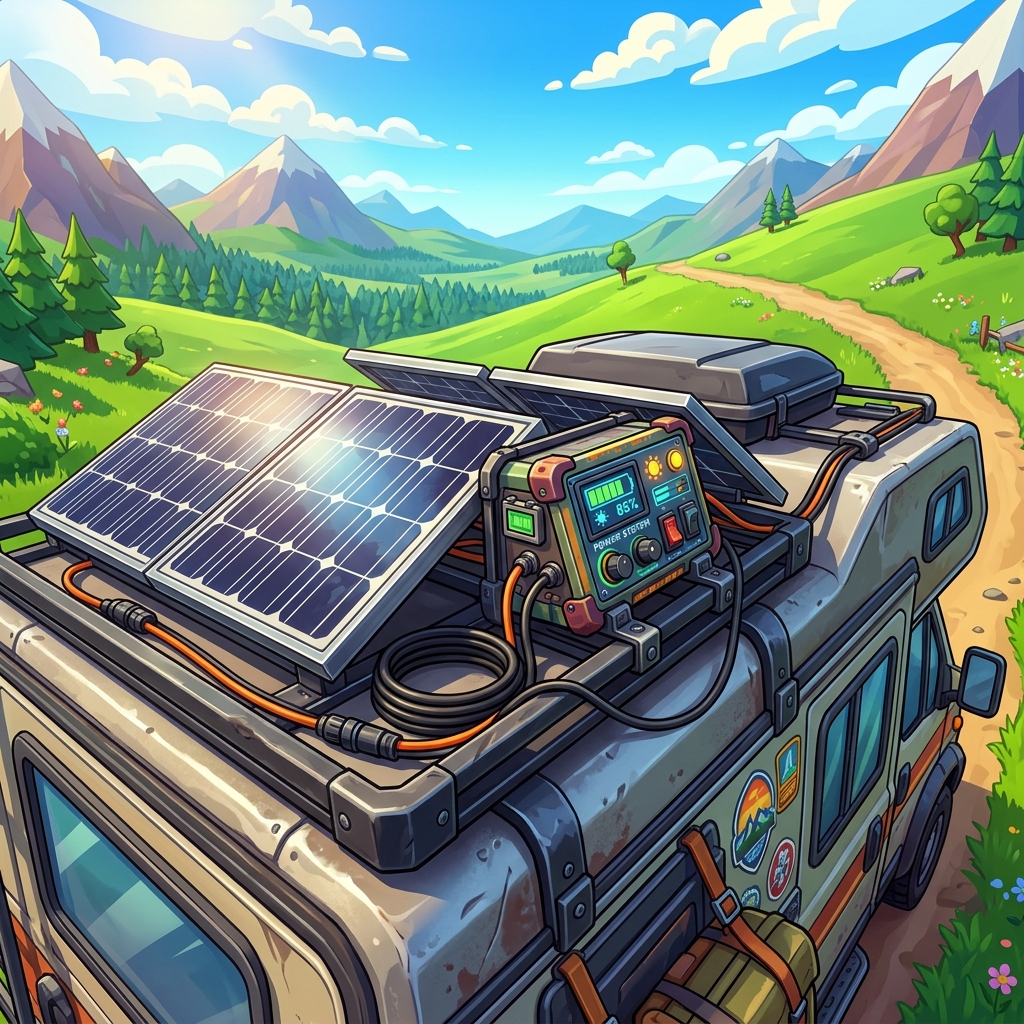
Instead of fighting monsters, your main challenge is sustainable living. You have to source renewable energy using solar panels or wind turbines to keep your vehicle running. You will travel through colorful biomes, scavenge for materials, and grow crops right on the roof of your van. The coolest mechanic? When it is time to move, your massive expansions seamlessly fold back into the vehicle.
The Truth About “Outbound APK” Links on Google
Let us be completely clear: there is no official Outbound Mobile APK. The game launched in May 2026 exclusively for PC, PS5, and Xbox Series X|S.
Any site claiming to offer an “Outbound Mobile Download” or “Outbound Android Port” is faking it. They usually bundle aggressive adware or steal your personal data. The game engine and physics calculations for the modular building system are currently too demanding to run natively on a mid-range smartphone processor. Stop looking for a magic download link and use the cloud gaming method instead.

How to Play Outbound on Android (Safe Cloud Gaming Guide)
Since an APK doesn’t exist, Cloud Gaming is your best friend. If you own the game on Steam, you can easily stream it to your phone using NVIDIA GeForce Now or Steam Link.
- Install GeForce Now or Steam Link: Download the official app from the Google Play Store.
- Link Your Account: Connect your Steam library where you purchased Outbound.
- Connect a Controller: While touch controls work, managing the building menus is much easier with a Bluetooth controller.
- Stable Internet: You need at least a 5GHz Wi-Fi connection for smooth driving mechanics.
We tested this setup on mid-range devices popular in Thailand, like the Samsung Galaxy A54 and OPPO A78. Because the heavy lifting is done in the cloud, the game runs at a flawless 60FPS without turning your phone into a heater. Just make sure your internet connection doesn’t drop while you are customizing your van’s solar panels.
Addressing the Reddit Drama: Is the Game Actually Good?
If you check the r/Steam subreddit, you will see some drama surrounding Outbound’s launch. The developers got caught asking players who refunded the game to remove their negative reviews. Square Glade Games has since apologized for the shady communication, but it left a sour taste for many.
Beyond the drama, the gameplay feedback is mixed. Hardcore survival fans complain that the mechanics feel “tacked on” and the open world is too linear. There is no real danger, and managing food or sleep feels more like a chore than a challenge. However, if you treat Outbound as a cozy decorator game—like a nomadic version of Animal Crossing or The Sims—it is incredibly relaxing.
Top 3 Tips for Customizing Your Mobile Home
If you decide to take the road trip, you need to manage your vehicle properly to avoid getting stranded without power.
1. Prioritize Solar Over Wind Early On:
Wind turbines look great, but solar panels are far more consistent in the starting biomes. Build a flat roof expansion early just to house your solar array.
2. Fold Before You Drive:
Always double-check your modular expansions before hitting the gas. Driving with your living room fully deployed will ruin your vehicle’s handling and drain your battery much faster.
3. Farm on the Go:
Don’t wait to set up camp to grow food. You can place planter boxes inside your van near the windows. This ensures you have a steady supply of crops while you are driving between resource nodes.
Final Verdict
Outbound is a niche game that nails the “van life” aesthetic but falls short on deep survival mechanics. The recent developer controversy isn’t great, but the actual game is a relaxing, cozy experience if you keep your expectations in check. Do not risk your phone downloading fake APKs—stream it via the cloud instead and enjoy building your dream mobile home from anywhere.
If you are looking for another incredible survival experience to play on your phone, check out our guide on how to download and play the Everwind Mobile APK.
Pros & Consข้อดี & ข้อเสีย
How to Download (Safe Guide)วิธีดาวน์โหลด (คู่มือปลอดภัย)
Outbound Mobile APK is available on the following platforms. Follow our safe download guide for each store.Outbound Mobile APK พร้อมให้บริการบนแพลตฟอร์มต่อไปนี้ ทำตามคู่มือดาวน์โหลดอย่างปลอดภัยสำหรับแต่ละร้านค้า