

Word Search, from Italic Games, is the entry on this roundup whose own product description reads almost like a textbook definition of the genre — it explicitly names itself alongside “Word Seek, Word Find, Word Sleuth, and Mystery Word” and describes letters placed in a grid, found horizontally, vertically, or diagonally. It’s also the most actively maintained app in this batch, last updated September 2, 2026, and runs on the widest range of devices thanks to a low Android 6.0 requirement.
This pick is featured in our 5 Best Offline Word Search Games for Android roundup — see how it stacks up against the rest of the list.
Quick Verdict:
– Best for: players who want the single clearest, most textbook-classic word search on this list, with broad device compatibility and gentle ad load
– Skip if: you want fast category progression — this game locks you into roughly 30 rounds per category before letting you move on
– Rating: 4.8/5 on Google Play (461,000+ reviews, 10M+ downloads)
What is Word Search by Italic Games?
Word Search is a free-to-play classic word search game from Italic Games. Its own Play Store description is unusually explicit about defining the genre itself: “Word Search (also known as Word Seek, Word Find, Word Sleuth or Mystery Word) is a word game that consists of the letters of words placed in a grid… The words may be placed horizontally, vertically, or diagonally.” That’s about as direct a confirmation of the classic grid mechanic as any game on this entire list offers. The game also states plainly, “NO WIFI? NO PROBLEM! Enjoy the word search puzzle anytime, anywhere!” It currently holds a 4.8-star rating from 461,000-plus reviews and 10 million-plus installs.
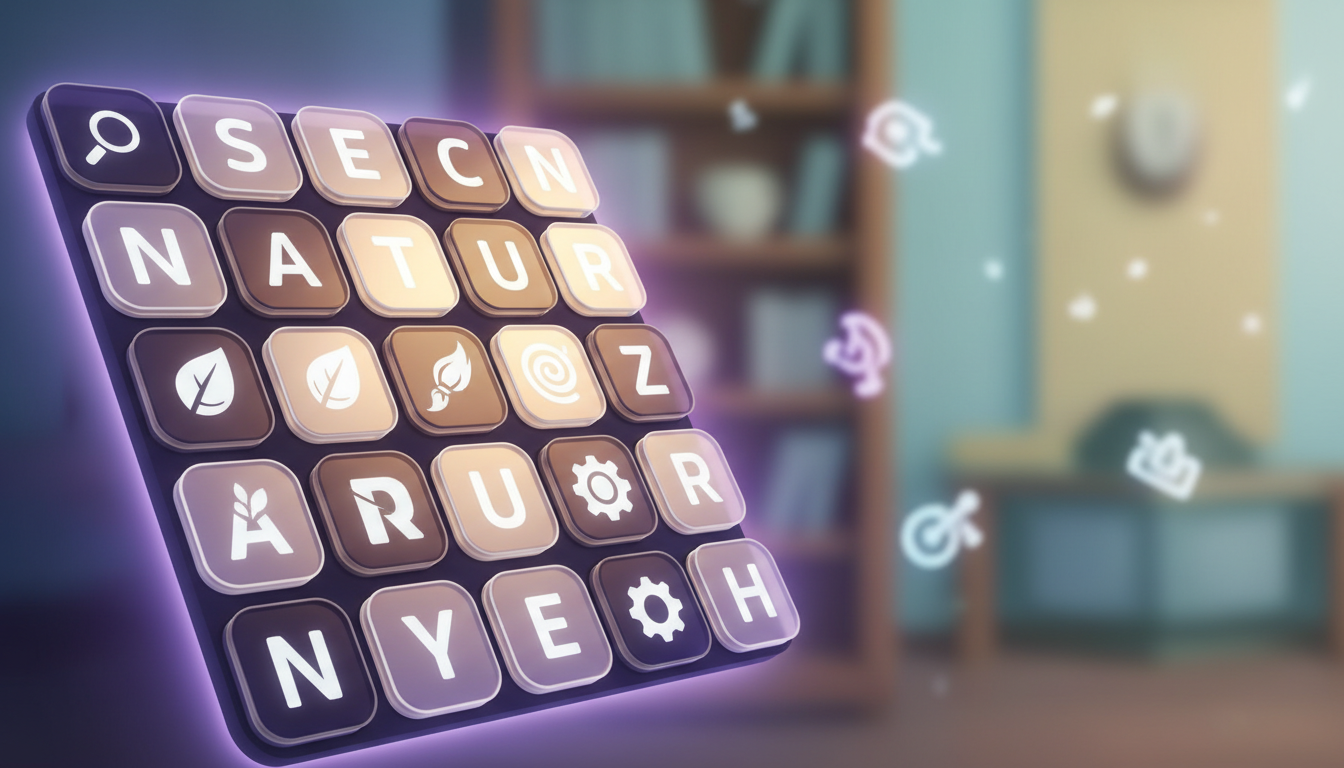
Gameplay & Core Mechanics
The game offers 100-plus categories, confirmed directly in its own description, replayable in either Time mode or Classic mode, plus daily challenges. Real reviews highlight a handful of small, well-liked details: a built-in dictionary that shows the definition of each word you find, a subtle “piano key” sound effect on letter selection that several players specifically call relaxing, and credit given for finding bonus words beyond the required list — one long-term player mentioned finding 100 extra words in a single puzzle and having them counted. That built-in dictionary is a nice touch — for a game that leans harder into destination-themed progression instead, our review of Word Search Explorer covers the highest-rated, most-reviewed pick on this list.
The most consistently repeated complaint is about category progression rather than ads: the game locks you into roughly 30 rounds within a single category before letting you advance to the next. One reviewer described being stuck in the food category for 20 rounds and calling it “more for, perhaps, 4th grade level… im already bored!” Combined with reports that word difficulty “stayed about the same” round after round within a category, this rigid structure is the game’s clearest defining weakness according to real user feedback.

A Notable Content-Quality Complaint Worth Knowing
One especially substantive negative review is worth flagging honestly, since it’s more specific than a typical low-star drop: a player pointed out that a puzzle themed around “freedom” included “military” as one of the words to find, calling the overall word selection “thoughtlessly made” and noting some entries weren’t real words at all, just abbreviations. This is a single detailed report rather than a widespread pattern, but it’s the kind of concrete, checkable complaint worth including rather than glossing over. Separately, a smaller UX gripe shows up in reviews: the game sometimes auto-triggers hints without the player choosing to use them, which at least one reviewer found genuinely frustrating rather than helpful.
On the positive side, ad sentiment here leans notably milder than several peers on this list — multiple reviewers specifically praise the low ad frequency, with one writing “no bugs so far… thanks for making a normal word search without thousands of ads per second.” That said, a couple of older reviews (2021, 2023) still called an ad after every puzzle “a bit too much,” so experiences vary somewhat by version and play session. If light ads matter to you as much as pacing, it’s worth comparing this against the Word Search Quest review, which offers a genuinely untimed Relax mode alongside its own ad tradeoffs.
Is Word Search by Italic Games Worth Playing in 2026?
If you want the classic word search experience in its most literal, unadorned form — no theming gimmicks, no destination journeys, just letters in a grid across 100-plus categories — this is arguably the purest pick on the entire list, and its active September 2026 update cadence plus broad Android 6.0+ compatibility make it a safe long-term bet, especially on older or budget devices.
The tradeoff is pacing: the locked, roughly-30-rounds-per-category structure will frustrate players who want to sample many themes quickly, and word repetition within a category is a real, recurring complaint. Ad load is comparatively gentle for most players, with occasional exceptions. If you value a no-frills, broadly compatible classic word search with light ads over rapid content variety, this is a strong choice.
Tips for New Players
- Pick your first category carefully. Since you’re locked into roughly 30 rounds before advancing, choose a theme you’re genuinely interested in rather than the default.
- Use the built-in dictionary feature. It’s a distinctive, well-liked touch — check word definitions as you play rather than skipping past them.
- Hunt for bonus words beyond the required list. Extra words are credited and some players have found 100-plus in a single puzzle — it adds real replay value within a repetitive category.
- Don’t rely on the low Android requirement to assume it’s a lightweight app. It runs on Android 6.0+, but check your device’s available storage before installing given ongoing content updates.
- If a word choice feels off, remember puzzles are auto-generated from word banks. At least one reviewer flagged a tone-deaf word inclusion — report specific issues to the developer via the Play Store rather than assuming it’s universal.
- Switch to Time mode once you’ve mastered Classic mode. It’s confirmed as a distinct, replayable option for players who’ve exhausted the relaxed pacing of Classic mode.
FAQ
Is this genuinely a classic grid word search, not a hybrid or letter-connect game?
Yes, more explicitly than almost any other game on this list — its own description defines itself using the genre’s standard names (Word Seek, Word Find, Word Sleuth, Mystery Word) and confirms letters are placed in a grid, found horizontally, vertically, or diagonally.
Does it work offline?
Yes — the game states directly, “NO WIFI? NO PROBLEM! Enjoy the word search puzzle anytime, anywhere,” confirming the offline claim in its own marketing copy.
Why do some categories feel repetitive?
The game locks progression at roughly 30 rounds per category before allowing you to move to the next, and several reviewers report word difficulty staying flat within that span — a structural pacing choice rather than a bug. Readers frustrated by that category lock might prefer the pacing in our review of Word Search – Word Puzzle Game, which uses a four-tier difficulty structure instead of a rounds-per-category cap.
Is this a heavily ad-supported game?
Based on real reviews, ad sentiment leans milder here than on several peer titles, with multiple players specifically praising the low ad frequency, though a few older reviews found an ad after every puzzle excessive.
Final Verdict
Word Search by Italic Games is the purest, most literally-defined classic word search on this list, backed by 100-plus categories, an active September 2026 update, broad device compatibility, and comparatively gentle ads. The honest tradeoff is a rigid category-lock structure that keeps you in one theme for roughly 30 rounds at a time, plus real reports of word repetition and at least one notable word-choice complaint. If you want the genre in its cleanest form with light interruptions, this is a solid pick. For an even more radical take on replayability — puzzles generated algorithmically so they never run out — see our review of Word Search by AsgardSoft.
Pros & Consข้อดี & ข้อเสีย
How to Download (Safe Guide)วิธีดาวน์โหลด (คู่มือปลอดภัย)
Word Search by Italic Games Review 2026: The Most Literal “Classic Word Search” Definition on the List is available on the following platforms. Follow our safe download guide for each store.Word Search by Italic Games Review 2026: The Most Literal “Classic Word Search” Definition on the List พร้อมให้บริการบนแพลตฟอร์มต่อไปนี้ ทำตามคู่มือดาวน์โหลดอย่างปลอดภัยสำหรับแต่ละร้านค้า