

Yuka App Review 2026: Helpful Scanner or Fear-Mongering?
Have you ever looked at the ingredient list on the back of your favorite snack or face wash and felt like you were reading a chemistry textbook? You’re definitely not alone. Every Yuka app review talks about how convenient it is to scan barcodes. But here’s what most reviewers completely skip: the intense debate happening right now. Is the app’s scoring system way too strict? Is it actually helpful, or is it just fear-mongering?
I’ve been using Yuka for a while now, and in this review, I’ll break down exactly how it holds up in 2026. We’ll look beyond the simple color codes, address the major complaints from dietitians and Reddit users, and answer the most important question for our local readers: does the Yuka scanner app actually work for Thai products in your local 7-Eleven?
Quick Verdict
✅ Instantly decodes complex cosmetic and food ingredient lists into an easy-to-read score.
⚠️ The algorithm can be overly strict, penalizing perfectly fine items based on minor additives or natural fats.
📱 Camera scanning is lightning fast—even on mid-range phones like the Samsung Galaxy A54.
──────────────────────────────────────────
What is the Yuka App?
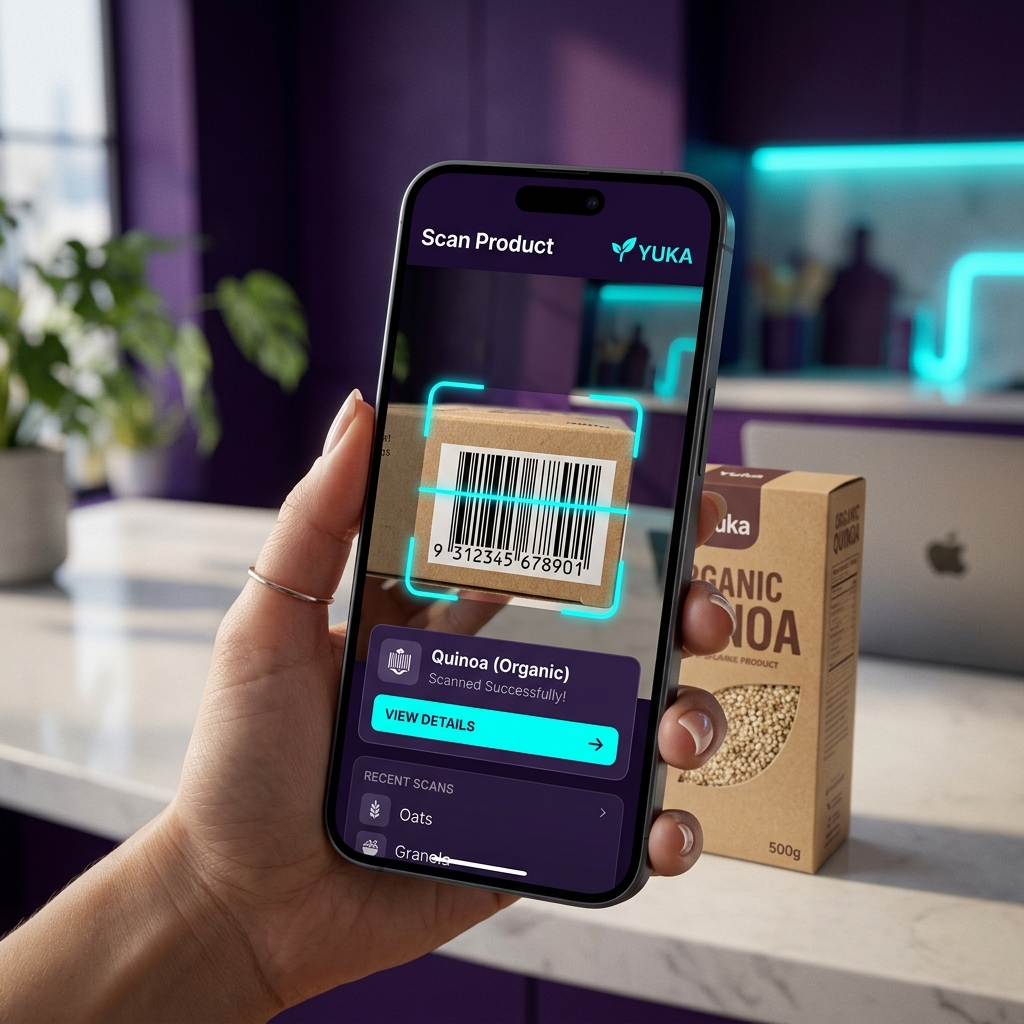
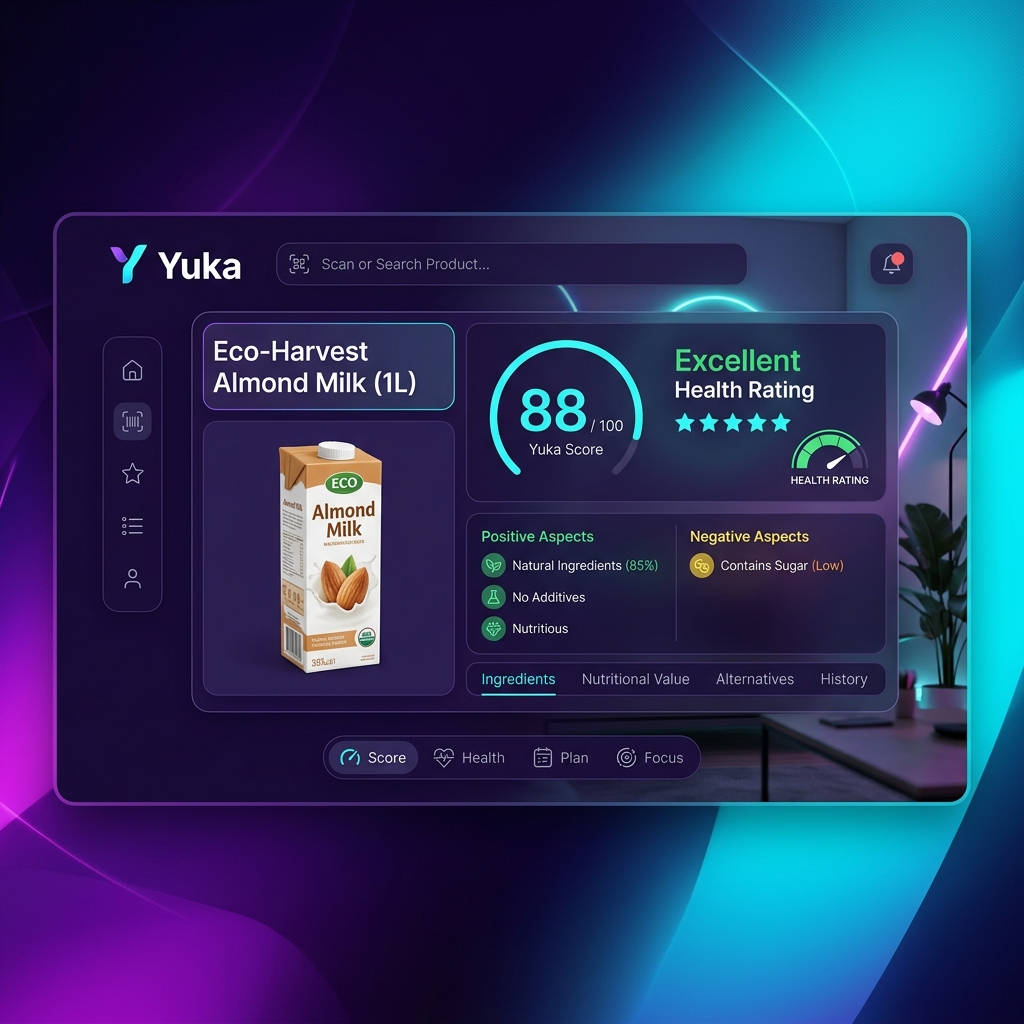
At its core, Yuka is a barcode scanner that grades your food and cosmetics on a scale from 0 to 100. You point your camera at a product, and within a fraction of a second, the app spits out a color-coded rating: green (excellent/good), orange (poor), or red (bad).
It’s super easy to see why it has surpassed 50 million downloads. Instead of Googling what “Butylated Hydroxyanisole” means while standing in the grocery aisle, Yuka translates the label for you. It highlights exactly which additives are harmless and which ones are potentially sketchy based on independent scientific studies.
The best part? Yuka is 100% independent. The developers take zero advertising money from brands, meaning no company can pay to artificially boost their score. If a product gets a red “bad” rating, Yuka’s algorithm immediately suggests a healthier, safer alternative available nearby.
──────────────────────────────────────────
The Good and The Bad: Is the Scoring Accurate?
Honestly, the core loop of using Yuka is addictive. You scan an item, wait less than a second, and get your risk breakdown. But is it always right?
If you spend five minutes on r/nutrition or r/SkincareAddiction, you’ll see a massive debate. The #1 complaint from the community is the “Dose Context” problem. Yuka will flag an ingredient as hazardous even if it’s present in such tiny, trace amounts that it poses zero real-world risk to your body. For example, some highly effective, safe synthetic ingredients in cosmetics get heavily penalized just because they aren’t “natural.”
But here’s what people actually love about it: the alternative suggestions feature. If your favorite chips are rated “poor” due to a sketchy preservative, Yuka doesn’t just leave you hanging. It gives you a list of similar-tasting chips that use cleaner ingredients. This proactive approach turns a negative score into a positive shopping experience.
If you’re curious about how other lifestyle apps handle their databases, check out our health and fitness app category or try MyFitnessPal and Home Workout to see what else is trending.
──────────────────────────────────────────
Does Yuka Work for Thai Products?
Here’s the one thing global reviews ignore: what happens when you take Yuka to a Thai supermarket?
The reality is a bit of a mixed bag. If you’re scanning international brands (like Lay’s, Nivea, or Cerave), the database recognizes them perfectly. However, if you’re scanning local Thai OTOP products or specific snacks exclusive to 7-Eleven Thailand, you might encounter the dreaded “Product not found” screen.
The good news is that the app relies on crowdsourcing. You can manually take photos of the ingredients and nutritional table of unlisted Thai products and submit them directly in the app. While it takes an extra minute of your time, it helps build the database for the rest of the community.
On the technical side, performance is flawless. We tested the camera scanner on a Samsung Galaxy A54 (one of Thailand’s most popular mid-range phones), and it focuses and reads barcodes instantly without lagging or chewing through your battery.

──────────────────────────────────────────
The “Fear-Mongering” Debate: How to Actually Use Yuka
Nutritionists often argue that Yuka promotes an unhealthy obsession with “clean” eating, turning grocery shopping into an anxiety-inducing chore. If your entire cart turns up red, it’s easy to panic.
So, what’s the trick? Just use it as a rough guide, not a strict rulebook. If your favorite cheese scores poorly just because it’s high in natural saturated fats, and you’re fine with that—eat the cheese!
However, if a product is red because it contains European Union-banned artificial colorings or endocrine disruptors in a face wash, that’s a legitimate reason to put it back on the shelf. The key is to read why a product lost points, rather than just blindly following the color code.
──────────────────────────────────────────
How to Get Started
If you’re ready to see what’s really inside your pantry, getting started is completely effortless.
First, download the app (available for both Android and iOS). Second, create a free account. Third, grant the app camera permissions, and you’re ready to go. Simply hover your phone over any barcode.
While the basic scanning features are completely free, Yuka does offer a Premium subscription. The paid version unlocks an offline mode—which is a lifesaver if your local supermarket has terrible cell reception—and allows you to search for products manually by typing their names instead of scanning. It also lets you set custom alerts for dietary restrictions like gluten or palm oil.
For more tools to improve your daily routine, explore our productivity apps section.
──────────────────────────────────────────
Frequently Asked Questions
Is the Yuka app completely free?
Yes, the core functionality of scanning barcodes and getting product scores is 100% free with no ads. The Premium version simply adds offline scanning, manual search, and custom dietary alerts.
Is Yuka app safe and reliable?
Yes. Yuka protects user data and bases its scoring on independent scientific studies (such as those from the EFSA and IARC). However, it doesn’t take into account the “dose” of an ingredient, so interpret the warnings with some common sense.
Does Yuka scan cosmetics accurately?
Yes, Yuka works for both food and personal care products like shampoo, lotion, and makeup, evaluating them for potential allergens and endocrine disruptors.
What is better than the Yuka app?
For cosmetics specifically, some users prefer the “Think Dirty” app. However, Yuka remains the absolute best all-in-one option for scanning both food and cosmetics in a single app.
──────────────────────────────────────────
Final Verdict
Yuka is for you if: you want a fast, independent, ad-free tool to identify ultra-processed foods, hidden sugars, or controversial chemicals in your daily products.
Skip it if: you have a history of diet anxiety or if you tend to panic over every single additive.
Overall, Yuka is one of the most practical and eye-opening apps you can keep on your phone. As long as you use it to stay informed rather than letting it dictate your every choice, it’s an essential download. Check out the official link above or explore the APKStoreTH homepage to start scanning your pantry today!
Pros & Consข้อดี & ข้อเสีย
How to Download (Safe Guide)วิธีดาวน์โหลด (คู่มือปลอดภัย)
Yuka App Review 2026: Helpful Scanner or Fear-Mongering? | APKStoreTH is available on the following platforms. Follow our safe download guide for each store.Yuka App Review 2026: Helpful Scanner or Fear-Mongering? | APKStoreTH พร้อมให้บริการบนแพลตฟอร์มต่อไปนี้ ทำตามคู่มือดาวน์โหลดอย่างปลอดภัยสำหรับแต่ละร้านค้า